19
to choice desired menu item.
3: Press the OK or RIGHT button to enter the sub-menu.
4: Use the UP or DOWN button to select the desired setting.
5: Press the OK button to confirm the setting.
6: Press the MENU button to close the menu.
Menu item Function
Movie
Size
Select smaller movie size (lower resolution) to record
for longer time. There are three settings to choose:
1280x720/640x480/320X240.
Frame Rate Select low frame rate to record longer time. There are
two settings to choose: High/ Low.
Metering See the details on page 20.
White Balance See the details on page 21.
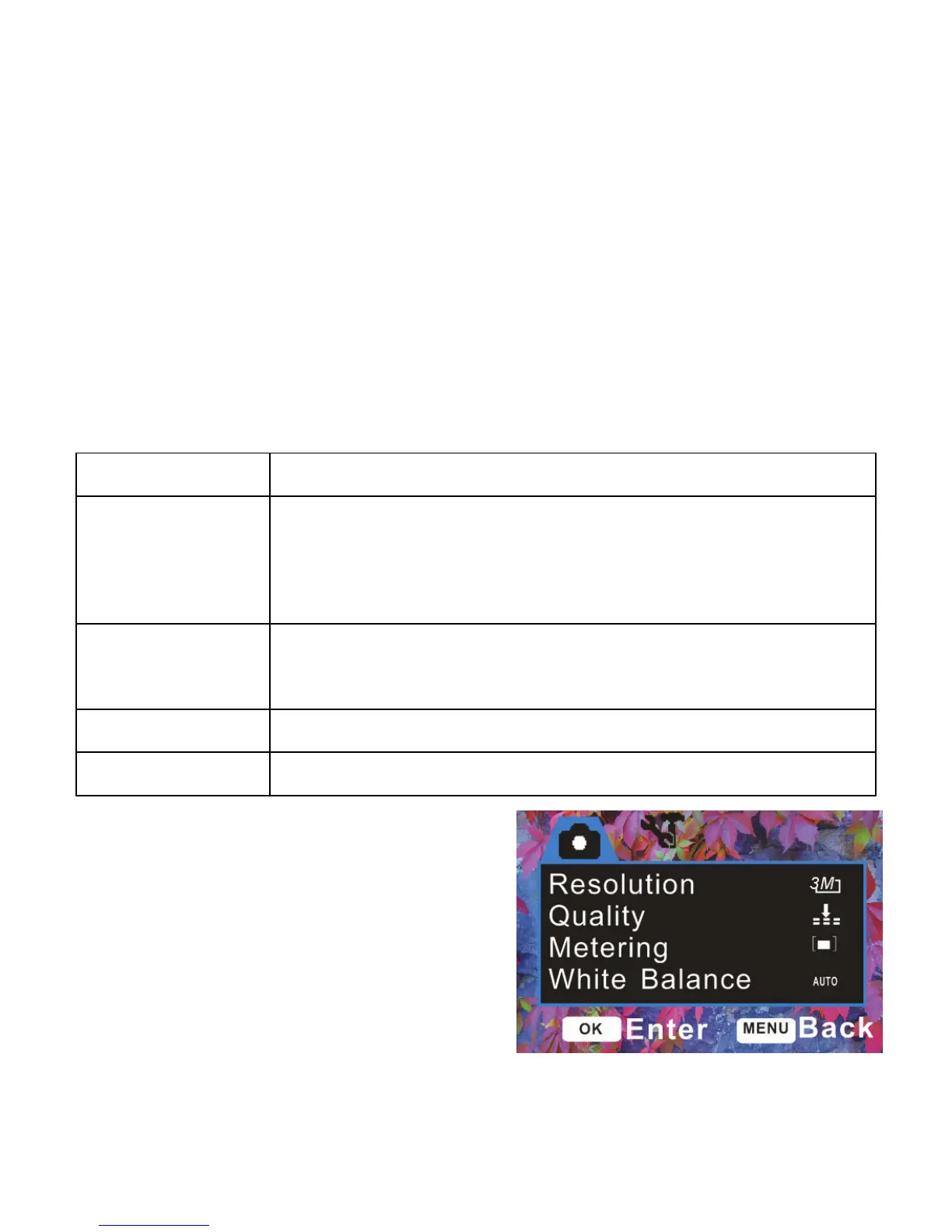
Menu in capture mode
1: Turn ON the video recorder and set
it to Capture mode.


 To Next Page