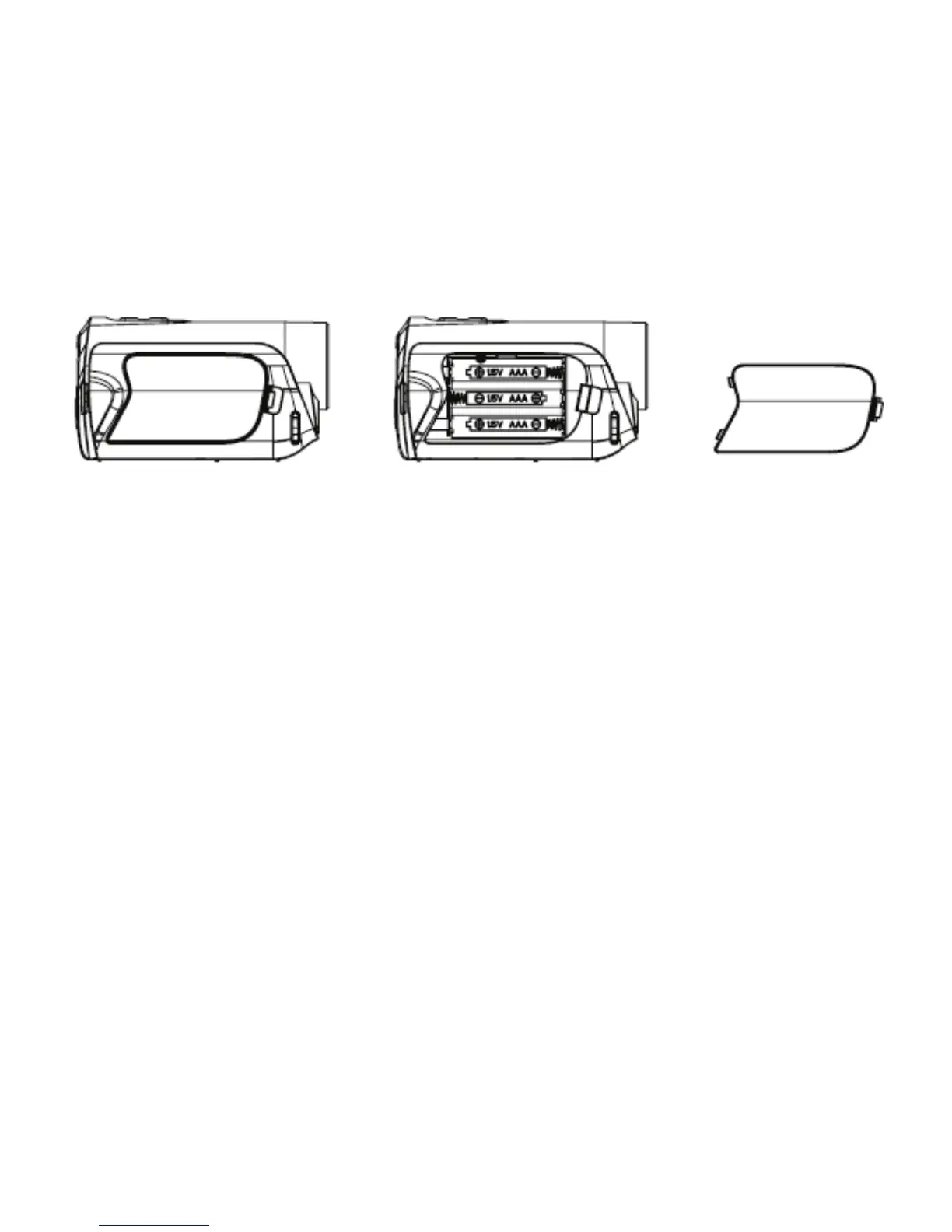
7
POWER button for 2 to 3 seconds to turn ON video recorder.
Inserting the Memory Card
Camera requires SD Memory Card inserted to record & store video clips or images.
1. Turn OFF recorder (if recorder is activated) by pressing Power button before
inserting or removing SD card.
2. Locate the card slot on camera base. Grip with fingernail to lift and swing open the
SD card slot rubber cover and insert the SD card as illustrated. Orient the card
according to identification mark and insert.
3. Press the card down until the card is fully inserted and latched.
The SD memory card has a LOCK protect switch which protects stored data from
being accidentally deleted - set the protect switch to the not - LOCKed position for
taking and store any new records.


 To Next Page