EasyManua.ls Logo

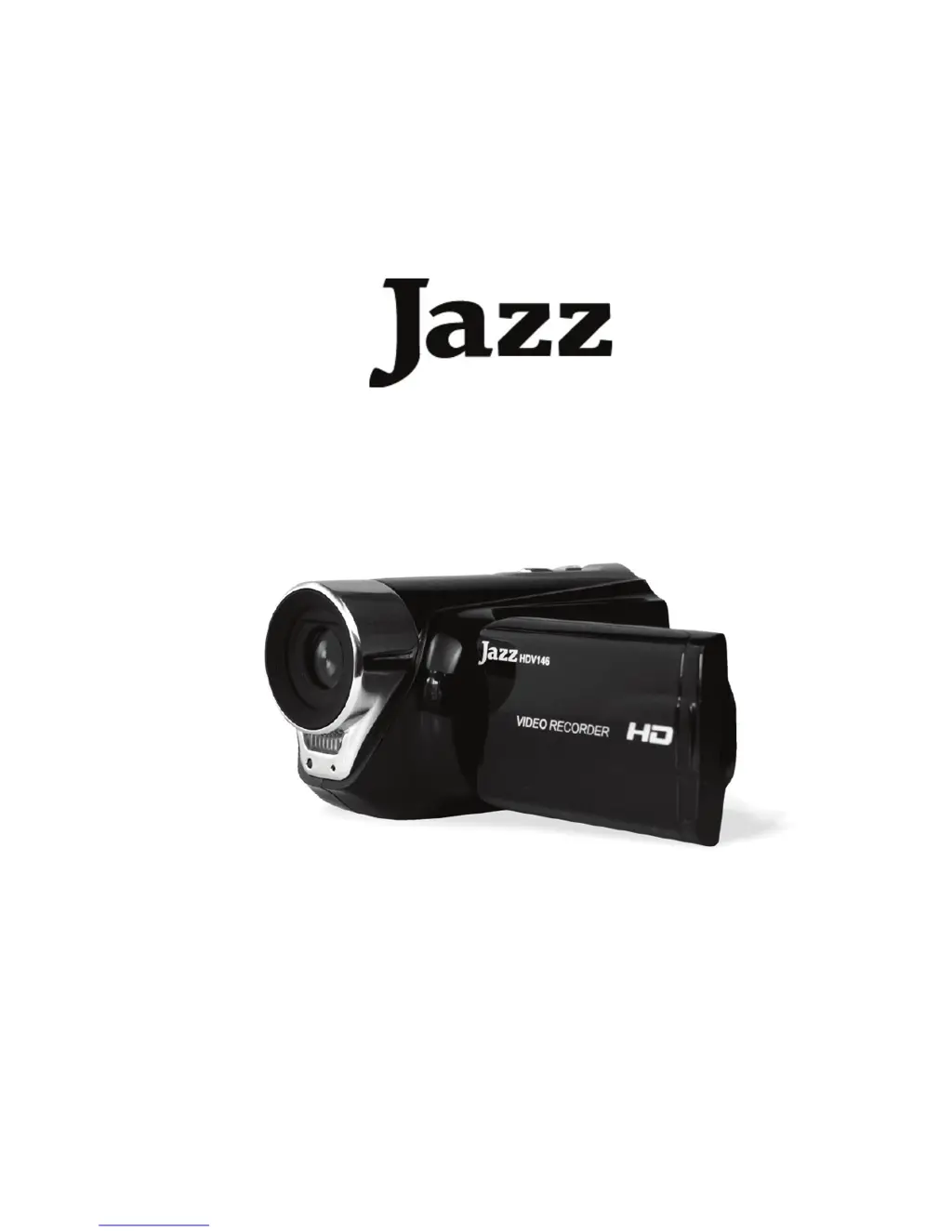
Jazz HDV146 - User Manual

Jazz HDV146
39 pages
Print Icon
To Next Page IconTo Next Page
Loading...
High Definition
Video Recorder with Camera
HDV146
User Manual

Other manuals for Jazz HDV146

Questions and Answers

Summary

FCC Statement

Safety Precautions

Video Recorder Parts Overview

Getting Started: Preparing for Use

Installing the Battery

Instructions for installing the battery into the video recorder.

Inserting the Memory Card

How to insert and secure the SD memory card for recording.

Formatting the Memory Card

Steps to format the SD card before use to erase all data.

Setting the Camera Language

Guide to select the desired language for the camera's interface.

Configuring Date and Time

Instructions for setting the camera's date and time accurately.

Understanding Screen Display

Explanation of icons and information displayed on the screen in Video mode.

Using Your Video Recorder

Powering the Recorder On and Off

Steps to power the video recorder on and off for operation.

Switching Recording Modes

How to switch between Video, Capture, and Playback modes.

Recording Video Clips

Detailed instructions for recording video clips with the camera.

Capturing Still Images

Guide on how to capture still photos with the camera.

Self-Timer and Burst Snapshot

How to use the self-timer and burst snapshot features for photo capture.

Using the Zoom Function

Instructions for using the camera's digital zoom function to frame shots.

Menu Navigation in Recording Modes

Video Mode Menu Options

Navigating and using the menu options specifically within video recording mode.

Capture Mode Menu Options

Navigating and using the menu options within capture mode.

Setup Menu and Internal Settings

Adjusting system preferences and internal settings via the setup menu.

Playback: Viewing Images and Clips

Playing Back Still Images

How to review and play back still images stored on the camera.

Playing Back Movie Clips

How to select and play back recorded movie clips from storage.

Playback: File Management Features

Thumbnail View and File Locking

Managing files: viewing thumbnails, locking, and unlocking files.

Deleting Files

Steps to delete current or all files, excluding locked ones.

Playback: Image Enhancement and Slideshows

Playing Still Image Slideshows

How to start and configure a slide show of still images.

Applying Image Effects

Applying color tone effects to still images during playback.

Rotating and Resizing Images

Rotating images by 90 degrees and resizing them to smaller dimensions.

Adding Voice Memos to Images

Attaching voice memos to photos in playback mode.

Connecting and Transferring Data

Connecting to a TV

Steps to connect the camera to a TV for viewing recorded content.

Connecting to a PC via USB

How to connect the camera to a PC via USB for data transfer.

Using a Card Reader

Instructions for transferring files using a memory card reader.

Software Installation and PC Camera Use

Installing Bundled Software

Guide to install bundled software like Arcsoft MediaImpression and drivers.

Using the PC Camera Function

Steps to use the camera as a PC webcam after driver installation.

Troubleshooting Common Issues

Technical Specifications and System Requirements

Jazz HDV146 Specifications

General IconGeneral
BrandJazz
ModelHDV146
CategoryOther
LanguageEnglish