32
stored video and still images files.
5: Review and copy photos or video files into your computer. Download
video and still images to your computer before playing back.
Alternatively insert the memory card into a card reader to download files.
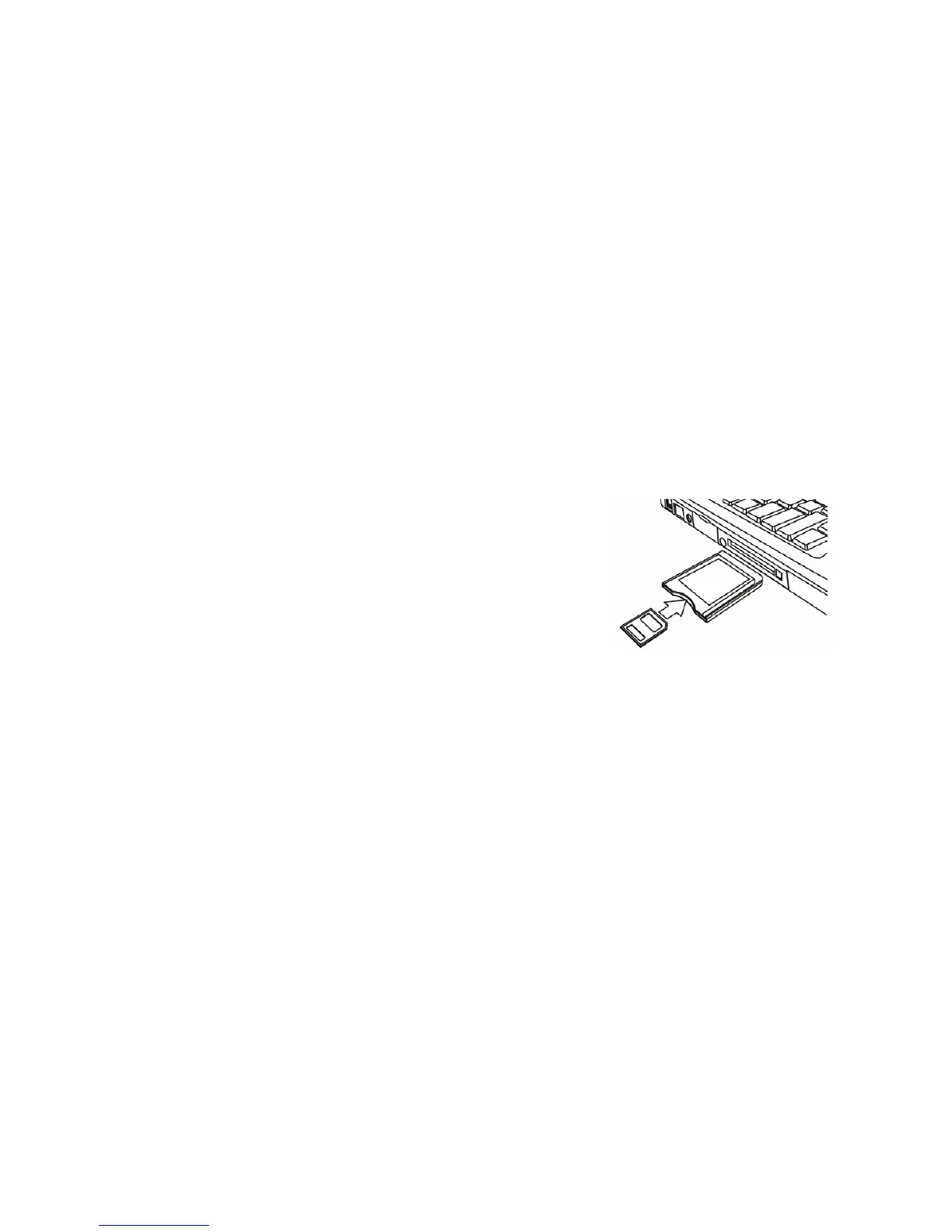
Using a Card Reader
1: Eject the memory card from the recorder
and insert into a card reader connected to a
computer.
2: Open [My Computer] or [Windows Explorer]
and double-click the Removable Disk icon which represents the
memory card.
3: Copy images from the card into selected directory / storage inside your
computer.


 To Next Page