21
[Spot]: The exposure will be metered based only on the spot in
the center of the scene
White
Balance
Adjust the white balance to suit different light sources.
There are five items to choose:
[Auto] / [Daylight] / [Cloudy] / [Fluorescent] / [Bulb].
Exposure In unusual ambient conditions such as indirect indoor lighting,
dark backgrounds, and strong backlighting you can set the
exposure value manually. The exposure value
may be set in range from –2.0 to +2.0.
Capture
Mode
Select this and set the recorder to different modes:
Off/ Self-timer 2S/ Self-timer 10S/ Continuous (burst)
Effect Select this to change the color tone of images:
Normal/ B&W/ Sepia / Negative/ Red/ Green/ Blue.
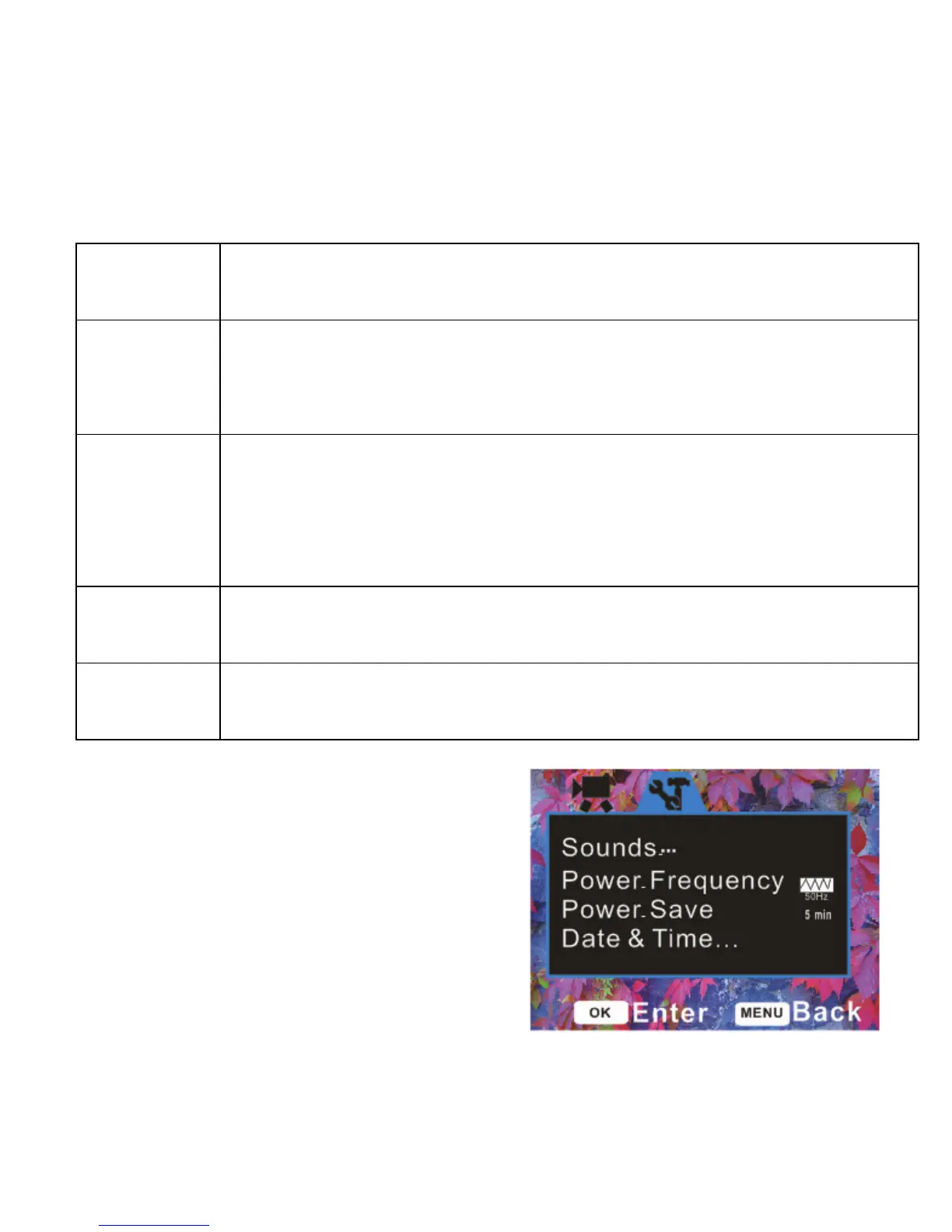
Setup menu / Internal setting
Adjust system settings in setup menu.
1: Turn the power ON and press the


 To Next Page