INSTALL SETUP
12
www.jbhmedical.com
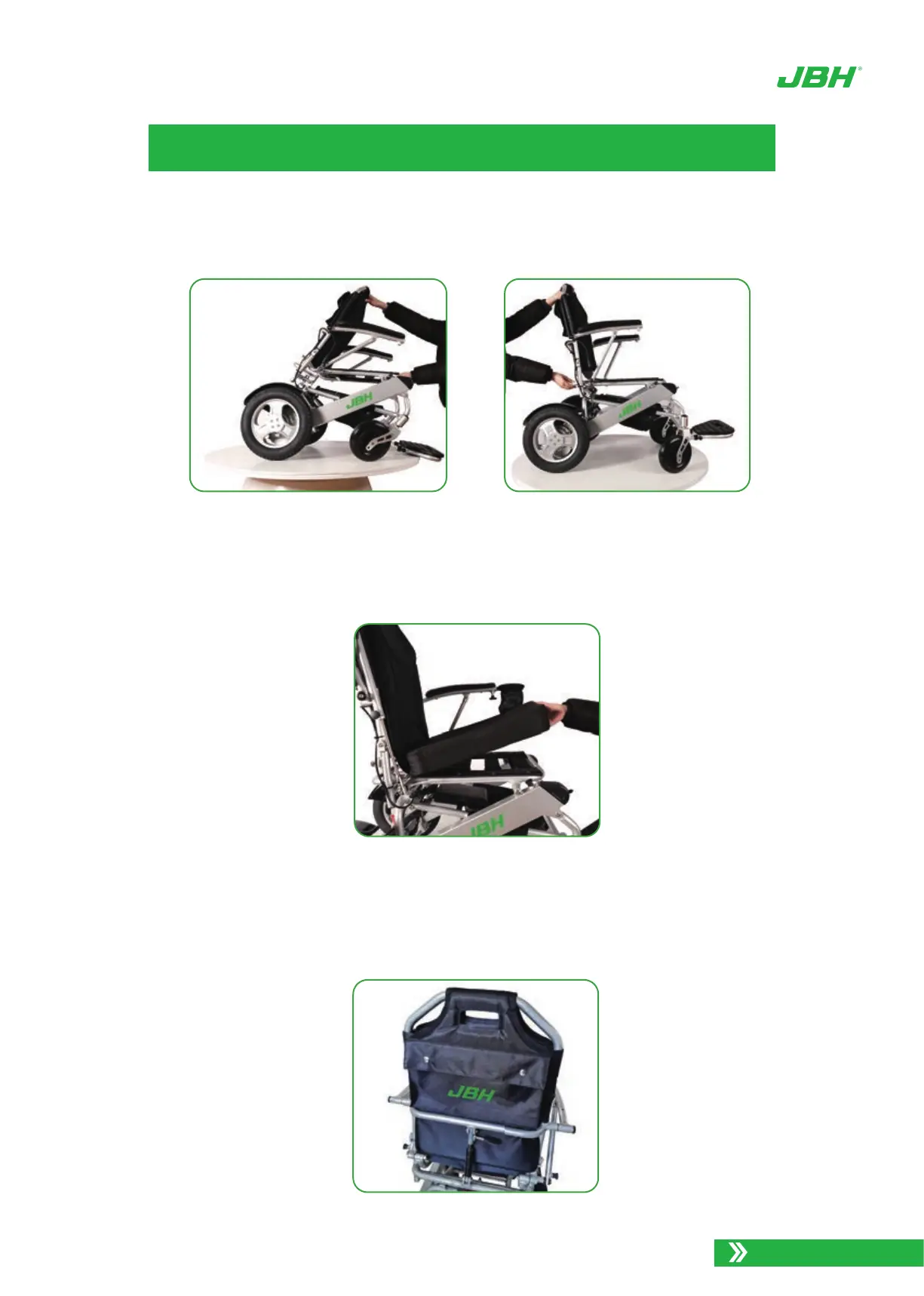
Continue to expand the chair into a seated position until you hear a * CLICK* indicating
it has locked into the seated position.
4.
Locate the seat cushion and back rest cushion provided. Orientate the seatcushion such
that rear of the seat and the Velcro on the bottom of the seat cushion aligns with the
Velcro on the seat .
5.
Next, place the back rest cushion over the top bar and adhere to Velcro on either side of
the back rest tension straps. Be sure the JBH logo and pocket is at the rear and the
back rest is placed behind the horizontal back bar of the chair.
6.
Photo 5. Expand the chair into a seated position
Photo 6. Locate the seat cushion
Photo 7. Fit on the back rest cushion


 To Next Page