Getting Acquainted with the
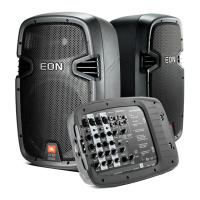
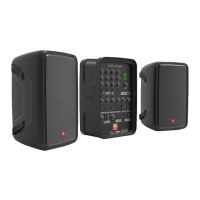
EON208P
Powered Mixer
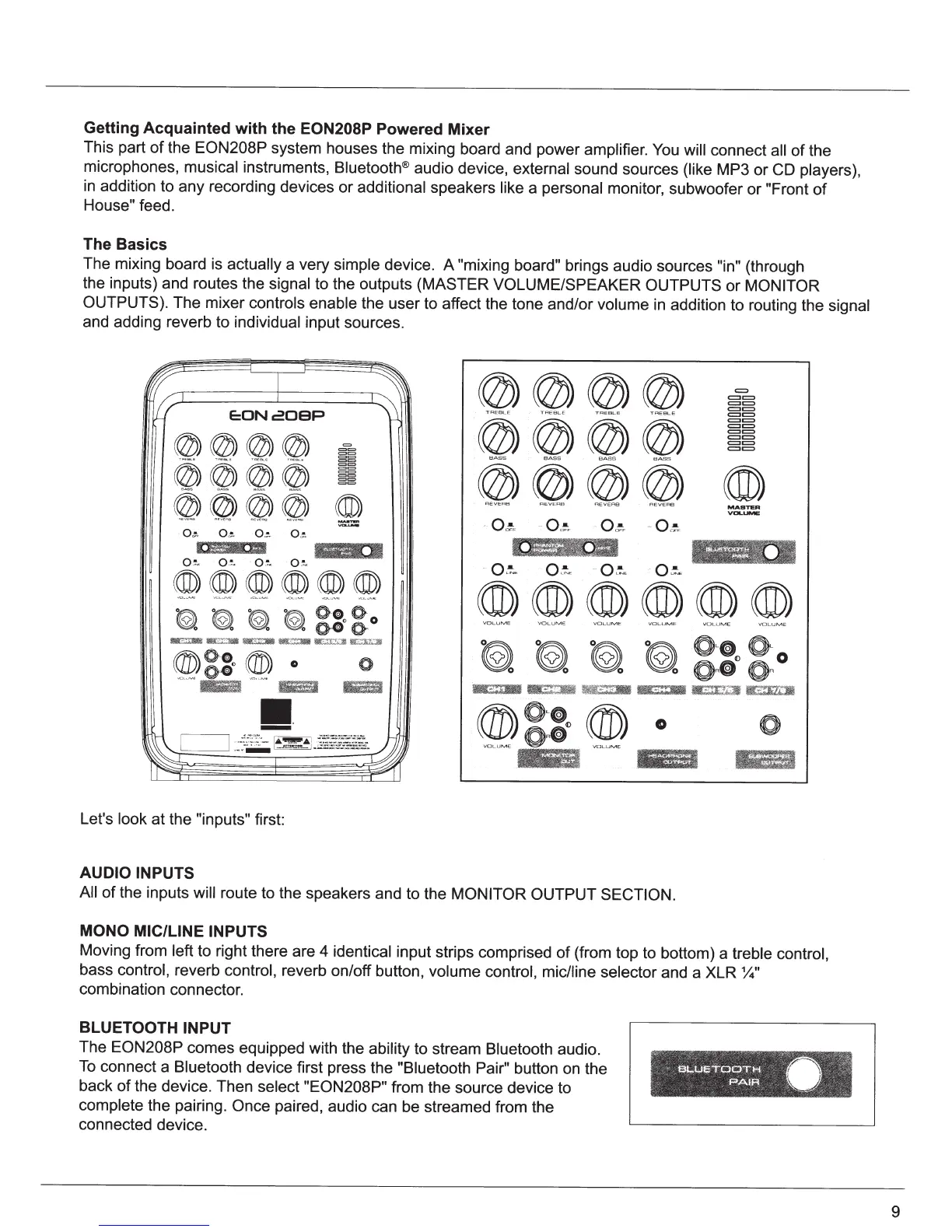
This part
of
the
EON208P
system houses the mixing board and power amplifier. You
will connect
all
of
the
microphones,
musical
instruments, Bluetooth® audio device, external sound sources
(like
MP3 or
CD
players),
in
addition to any recording devices or additional speakers
like
a personal monitor, subwoofer or
"Front
of
House"
feed.
The Basics
The mixing board is
actually
a very
simple
device. A "mixing
board"
brings audio sources
"in"
(through
the inputs) and routes the
signal
to the outputs (MASTER
VOLUME/SPEAKER OUTPUTS
or
MONITOR
OUTPUTS).
The mixer controls enable
the user to affect the tone and/or volume
in
addition to routing the
signal
and adding reverb to individual input sources.
E:ONcOBP
@@@@
@@@@
@@@@
o~ o~
··
O
~
o~
IJifN
m
o
~
o
:
~
.
o
~
O.!..
@@@@
@@@@
@@@@
o~
o~
E
Q!;,
MASTER
VOLUI\IIE
®®®®®®
((ID)((ID)((ID)((ID)((ID)®)
~ ~
~ ~
g::ogo
~=~
·
Ill~
·~
'-'%1,
Miil3%lll
~'t.i
l'll
lt?3l'til
®~::
0
®;
0
0
VOLU
M E
0
VOLU
M E
Let's
look
at the
"inputs"
first:
AUDIO INPUTS
All
of
the inputs
will route to the speakers and to the
MONITOR OUTPUT SECTION.
MONO MIC/LINE INPUTS
Moving from left
to right there are 4 identical input strips comprised
of
(from top to bottom) a
treble
control,
bass control, reverb control, reverb on/off button, volume
control, mic/line selector and a XLR
~"
combination connector.
BLUETOOTHINPUT
The EON208P
comes equipped with the ability
to stream
Bluetooth
audio.
To
connect a Bluetooth device first press the "Biuetooth Pair" button on the
back
of
the device. Then
select "EON208P"
from the source device to
complete
the pairing.
Once
paired, audio can be streamed from the
connected device.
9


 To Next Page