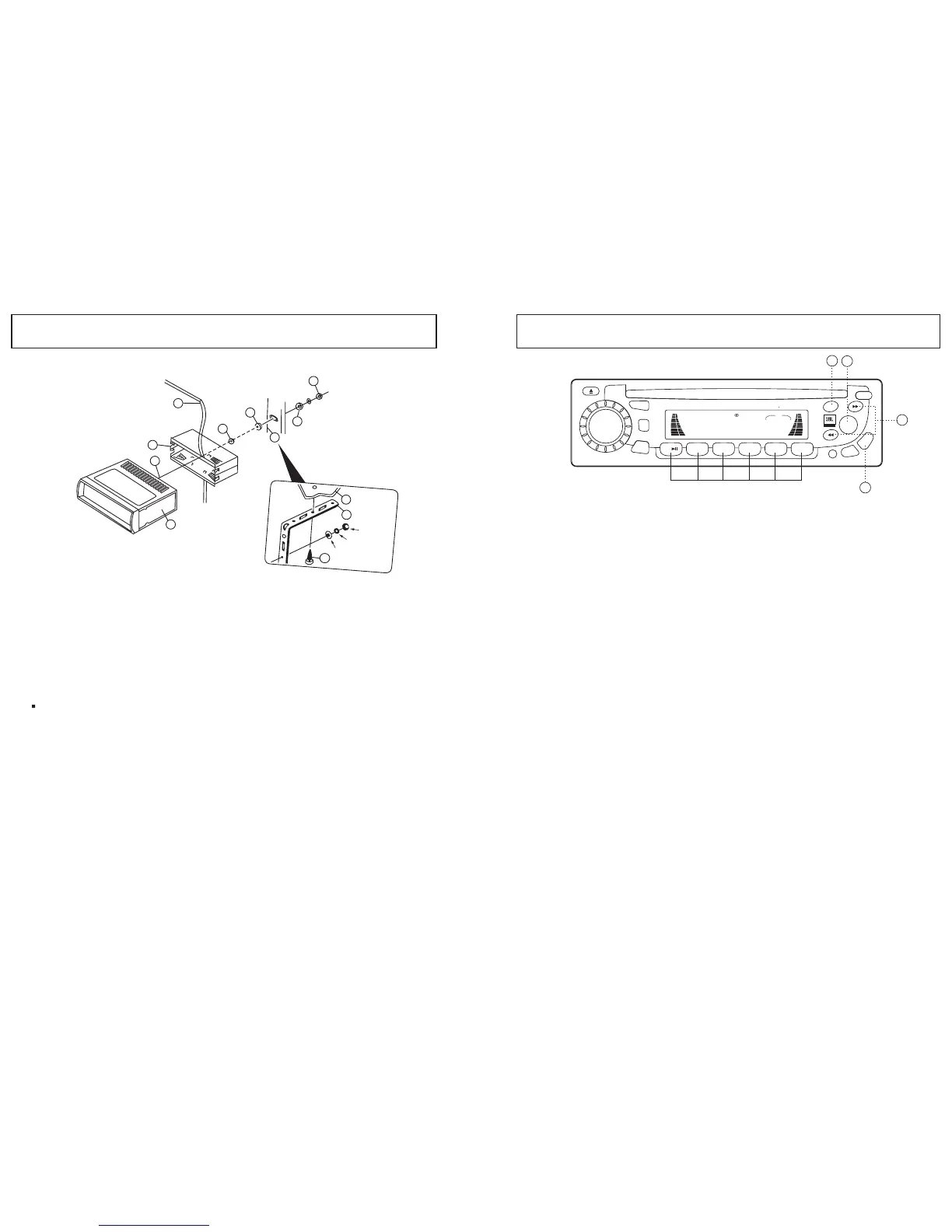
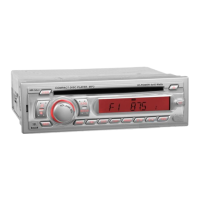
1.UNIT
2.RELEASE CASE
3.DASH - BOARD
4.HEX NUT
5.LOCK WASHER
6.PLAIN WASHER
7.CAR BODY
8.REAR SUPPORT STRAP
9.TAPPING SCREW
10.M5 X 20 HEX BOLT
SUPPORTING THE UNIT
HEX
Lock Washer
Plain Washer
Dashboard
3
5
2
10
1
4
4
6
8
8
7
9
Subject to changes for the accessories without notice.
1. Fuse replacement
If the fuse blows, check the power connection and replace the fuse.
If the fuse blows again after the replacement, there may be an
internal malfunction. In this case, consult your nearest dealer.
2. Warning
Use the specified amperage fuse for each lead.
Use of a higher amperage fuse may cause serious damage.
OPERATING THE RADIO
Press the to select the desired band FM1,
FM2, FM3, AM1, Am2.
1. Band (BD/LD) button (9)
2. Manual / Seek tuning buttons (10) :
Press this button quickly to
activate the Seek mode. Then the Seek mode will automatically seek up
or down the wave band and stop at the next station of sufficient signal
strength. Press this button (10) for longer than 2 seconds to advance
the tuning up or down the wave band.
3. Manual Station store: Select the desired band and tune to a radio
station to be memorized. Choose the preset button memory location1-6
into which the station is to be stored and press and hold that preset button
for 2 seconds. The station will now be entered into the preset memory.
6 stations can be memorized on each of the
FM1, FM2, FM3, AM1, AM2.
4. APS. Auto store function. (19)
Depress and hold button (19) for approximately 2 seconds until you hear
a signal. Which confirms the memory function is complete and the display
shows"SEARCH". Automatically six strong stations are stored on the
station buttons 1 - 6. You can override the preset station on any button
by manually setting a new frequency.
5.SCAN(13)
To search the Frequency which is set to the strong / Regulated broad
casting, press "SCAN(8)" button in sequence.
6.Program Memory Scan
Just press the preset button among 1-6 to find the memorized radio frequency.
SCN
BD/LD
MOD
IEQ
PWR
MUT
A.PS
2INT
3RPT
4RDM
1
5
6
T/F
REL
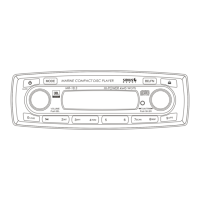
COMPACT DISC PLAYER DETACHABLE SYSTEM
4 45WATTSMR-5
VOL
LOUD
LOC
DSP
CLS
FM3 I07.502
MARINE
8
9
19
SEL
10
Preset button
6
11



 To Next Page