Contents [ hide
1 Introduction
2 What’s in the box
3 PRODUCT OVERVIEW
3.1 Controls on headset
3.2 Controls on 2.4G USB wireless dongle
3.3 Controls on 3.5mm audio cable
4 Getting started
4.1 Charging your headset
4.2 Wearing your headset
4.3 Power on
4.4 First-time setup (for PC only)
4.4.1 Software requirements
5 Using your headset
5.1 With 3.5mm audio connection
5.2 With 2.4G wireless connection
5.3 To pair manually
5.4 With Bluetooth (secondary connection)
5.5 Control calls
6 Product Specifications
7 Troubleshooting
7.1 No power
7.2 2.4G pairing failed between headset and 2.4G USB wireless dongle
7.3 Bluetooth pairing failed
7.4 No sound or poor sound
7.4.1 In 2.4G wireless connection:
7.4.2 In 3.5mm audio connection:
7.4.3 In Bluetooth connection:
7.5 My voice cannot be heard by my teammates
7.6 I can’t hear myself when I’m talking
8 License
9 Related Manuals:
Introduction
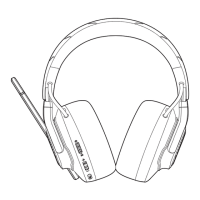
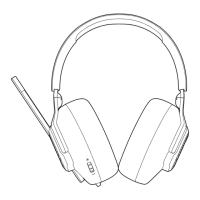
Congratulations on your purchase! This manual includes information on the JBL QUANTUM800 gaming
headset. We encourage you to take a few minutes to read this manual, which describes the product
and includes step-by-step instructions to help you to set up and get started. Read and understand all
the safety instructions before using your product.
If you have any questions about this product or its operation, please contact your retailer or customer
service, or visit us at www.JBLQuantum.com
What’s in the box



 To Next Page