TIPS:
It takes approximately 2 hours to fully charge the headset.
You can also charge your headset through a USB-C to USB-C charging cable (not supplied).
The headset cannot be powered on when being charged.
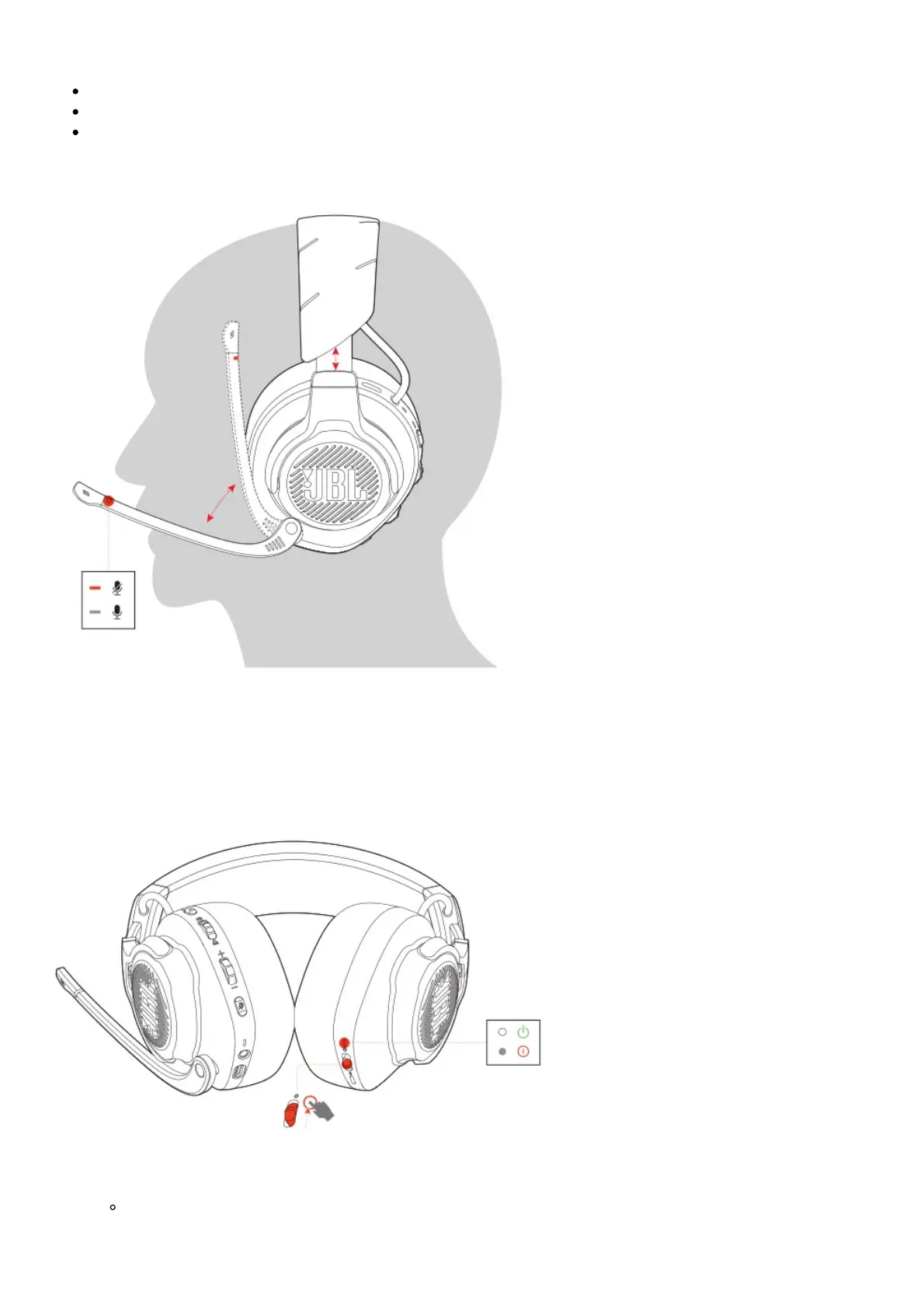
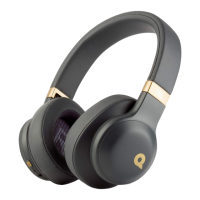
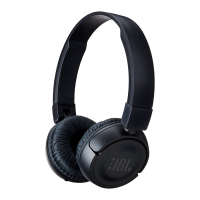
Wearing your headset
1. Put the side marked L onto your left ear and the side marked R onto your right ear.
2. Adjust the earpads and headband for a comfortable fit.
3. Adjust the microphone as necessary.
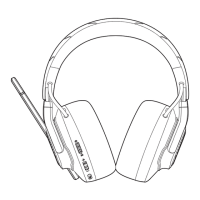
Power on
1. Slide the power switch upwards to power on the headset.
2. Slide downwards to power off.
The status LED glows solid white upon powering on.
First-time setup (for PC only)



 To Next Page