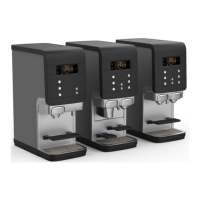
Coee large
StopStrength
Coee
Pot coee
Hot
liquids!
i
Note:
You can flush the dispenser at any time by using the
procedure described below.
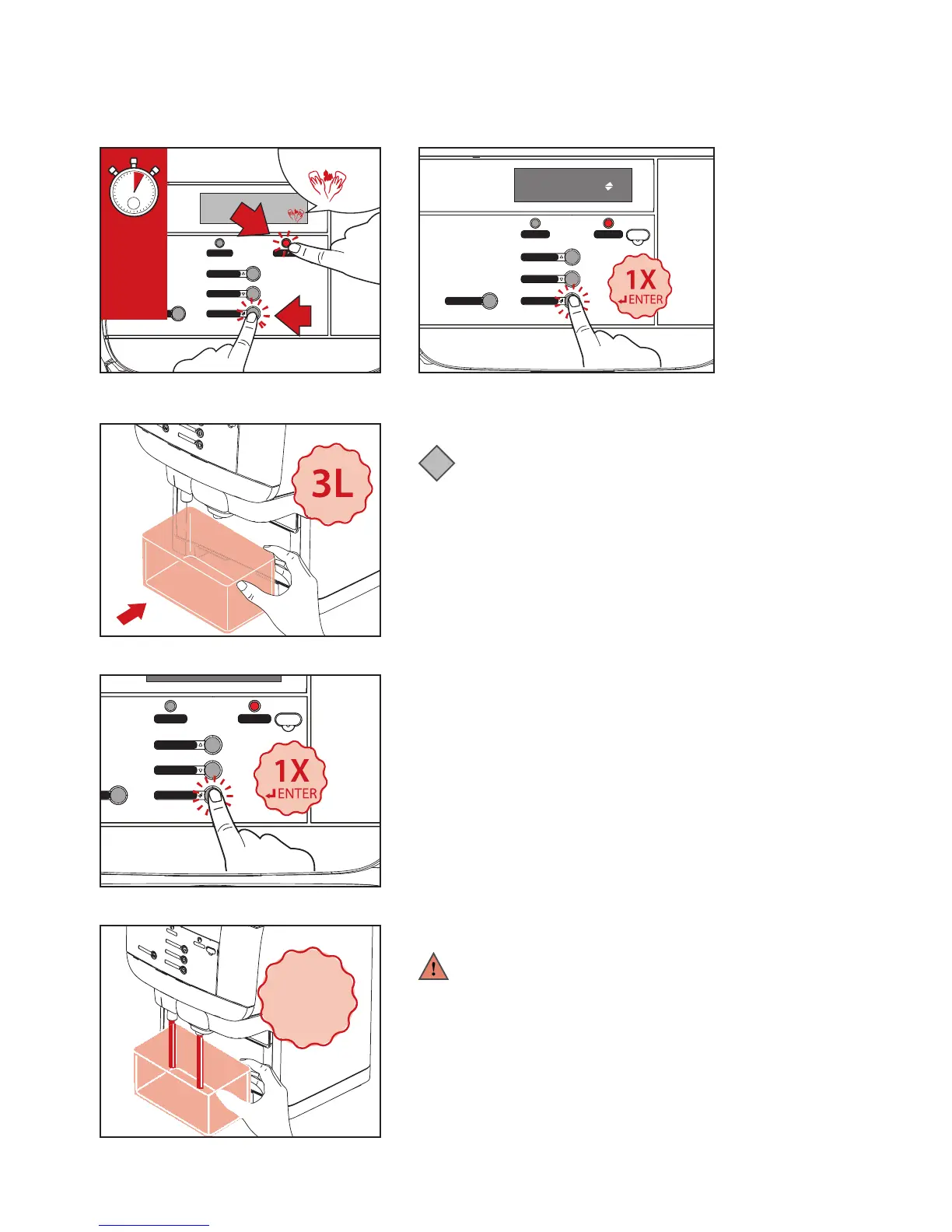
1. Press and hold STOP (A) and ENTER (B) buttons
simultaneously for 2-3 seconds to enter the flushing mode
(See Fig.1).
2. The display will show FLUSHING, press ENTER to continue.
(See Fig.2) The display will show:
PLACE BIN MIN 1L PRESS ENTER TO CONFIRM
3. Place a 3 liter container (See Fig.3) under the drink outlets,
then press ENTER (See Fig.4).
4. The dispenser will begin flushing automatically (See Fig.5).
CAUTION HOT LIQUIDS will shown on the display. When
flushing is finished, the dispenser is now ready for normal
dispensing again.
Warning:
The flushing water is very hot! Avoid scalding! Keep
hands and other body parts away from the dispenser
during the flushing process. Never let children perform
the flushing procedures.
Fig.1
Fig.3
Fig.4
Fig.5
Hot water
Coee large
StopStrength
Coee
Pot coee
Fig.2
FLUSHING


 To Next Page