11
HD5112
NOTE: HD Radio multicast channels can be stored as preset stations.
Recall a Station
Select a band (if needed). Press a preset button (13-18) to select the
corresponding stored station.
Preset Scan
Scans stations stored in all FM or AM bands. Select a band (if needed), and
then press the PS button (21). The unit will pause for 5 seconds at each
preset station. Press the PS button again to stop scanning when the desired
station is reached.
Broadcast Information
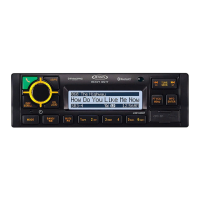
During HD Radio broadcasting, available broadcast information will
automatically appear on the LCD. Press the DISP button (7) multiple times
to view broadcast information in the following order:
• Band/Frequency
• CH-NAME
•TITLE
•ARTIST
•CATEGORY
• Clock (only available when pressing DISP button)
The information will scroll across the screen if longer than 8 characters.
NOTE: The amount of information displayed when receiving an HD
Radio signal is dependent on what is being broadcast. Some stations
broadcast their call letters (name), the artist's name, song title, and
category of music.


 To Next Page