21
HD5112
Shuffle (SHF)
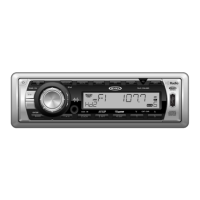
Press the SHF button (16) to randomly play the files in all folders Press SHF
again to stop the shuffle function and resume normal playback.
Press and hold the SHF button to randomly play the files in the current
album (folder). “SHF ALBM” appears on the display. Press and hold SHF
again to stop the shuffle function.
Category Search Mode
1. During iPod playback mode, press the SELECT button (5) to enter iPod
Category Search Mode.
2. Turn the rotary encoder (4) to access categories in the following order:
• Playlist
•Artist
•Album
• Genre
•Song
• Composer
3. After selecting the desired category, press the BAND/ENTER button (3)
within 5 seconds to confirm.
4. Turn the rotary encoder (4) to browse songs or folders in the current
category.
5. Press the BAND/ENTER button (3) within 5 seconds to select a
category/song.
6. Repeat steps 4 and 5 until the desired song is played.


 To Next Page