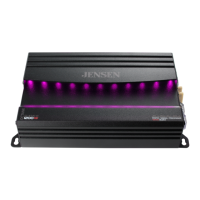
JXP680
JENSEN
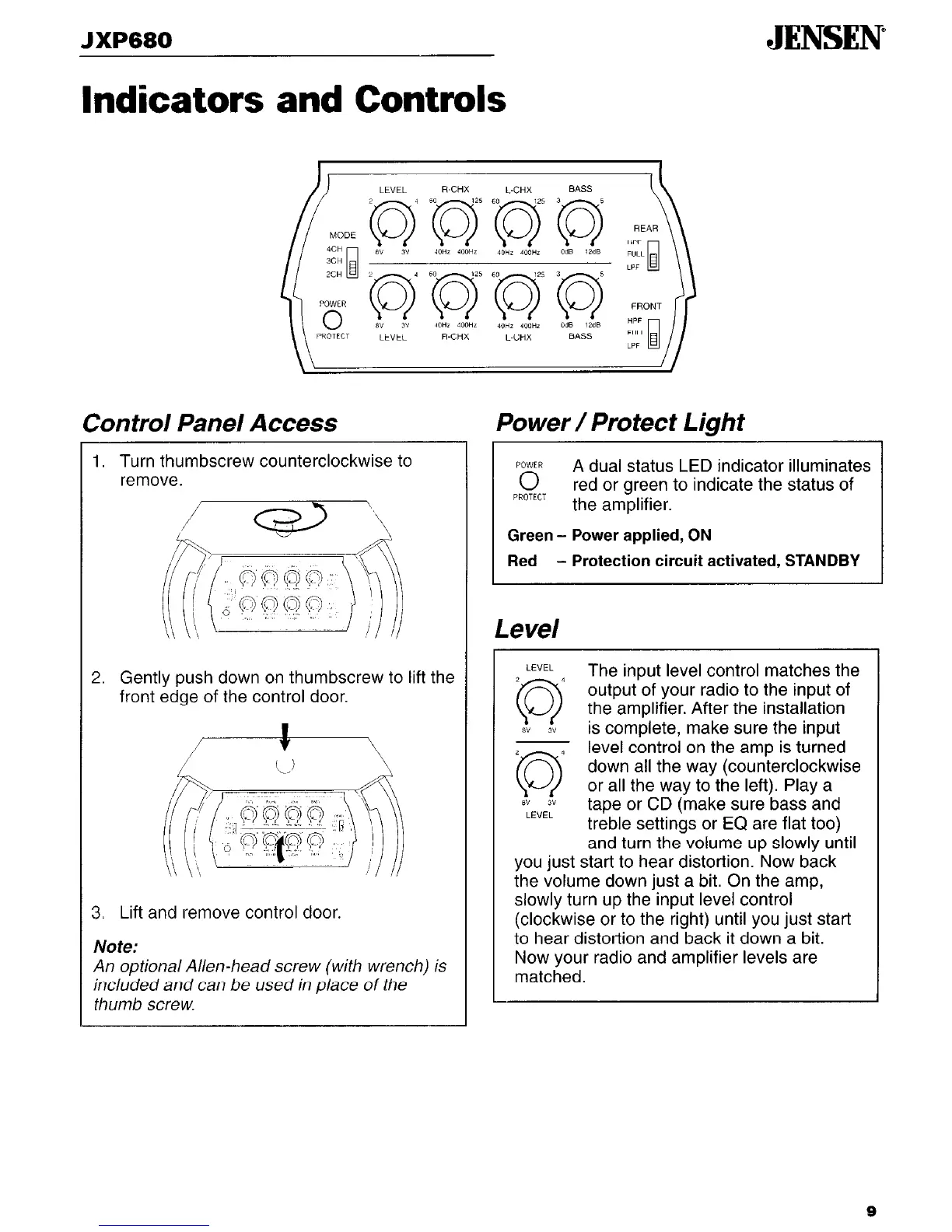
Indicators and Controls
Control Panel Access
1. Turn thumbscrew counterclockwise to
remove.
2.
Gently push down on thumbscrew to lift the
front edge of the control door.
3
Lift and remove control door.
Note:
An optional Allen-head screw (with wrench) is
included and can be used in place of the
thumb screw.
Power/Protect Light
POWER
0
A dual status LED indicator illuminates
PROTECT
red or green to indicate the status of
the amplifier.
Green - Power applied, ON
Red
- Protection circuit activated, STANDBY
Level
LEVEL
2
4
0
The input level control matches the
output of your radio to the input of
the amplifier. After the installation
8” 3”
is complete, make sure the input
2 1
0
level control on the amp is turned
down all the way (counterclockwise
or all the way to the left). Play a
8” 3”
LEVEL
tape or CD (make sure bass and
treble settings or EQ are flat too)
and turn the volume up slowly until
you just start to hear distortion. Now back
the volume down just a bit. On the amp,
slowly turn up the input level control
(clockwise or to the right) until you just start
to hear distortion and back it down a bit.
Now your radio and amplifier levels are
matched.
9


 To Next Page