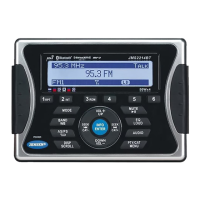
10
MP3/WMA Directory Search
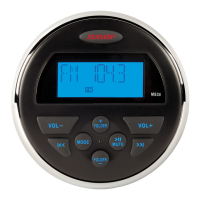
1. Press the BAND/SEARCH button (16) to enter directory search mode.
2. The LCD will display the folder list for the current directory. Press the BAND/SEARCH
button to view the folder directory list.
3. Navigate the folder list by pressing the VOL +/- buttons (2).
4. Press the INFO/ENTER button to select a folder. The LCD will display the list of files within
that folder.
5. Navigate the file list by pressing the VOL +/- buttons.
6. Press the INFO/ENTER button to select a file.
7. Use the AS/PS button (15) to reverse navigate the list.


 To Next Page