EasyManua.ls Logo

Jensen VM9215BT - Page 12

Jensen VM9215BT
92 pages
Print Icon
To Next Page IconTo Next Page
To Previous Page IconTo Previous Page
Loading...
12
VM9215BT
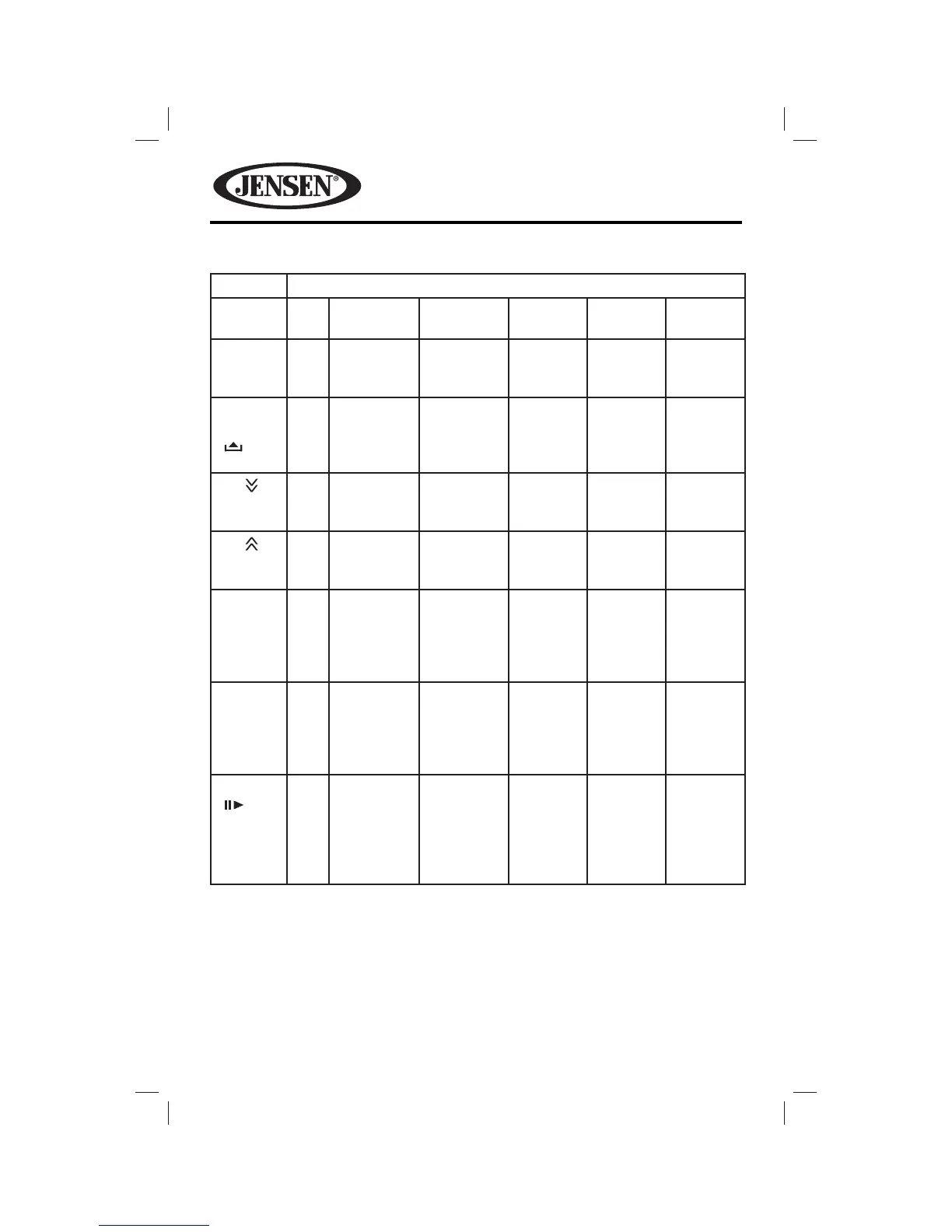
Table 1: Remote Control Functions
Button Function
Name # DVD VCD TUNER CD/MP3/
USB
iPod
PIC 24 Displays
set-up
parameters.
Displays
set-up
parameters.
OPEN/
CLOSE
( )
25 Opens/
closes
the TFT
monitor.
Opens/
closes
the TFT
monitor.
Opens/
closes
the TFT
monitor.
Opens/
closes
the TFT
monitor.
Opens/
Closes
the TFT
monitor.
TILT 26 Decreases
monitor tilt
angle.
Decreases
monitor tilt
angle.
Decreases
monitor
tilt angle.
Decreases
monitor
tilt angle.
Decreases
monitor
tilt angle.
TILT 27 Increases
monitor tilt
angle.
Increases
monitor tilt
angle.
Increases
monitor
tilt angle.
Increases
monitor
tilt angle.
Increases
monitor
tilt angle.
WIDE 28 Selects
display
mode:
FULL or
NORMAL.
Selects
display
mode:
FULL or
NORMAL.
1, 2, 3,
4, 5, 6,
7, 8, 9, 0
(Numeric
Keypad)
29 Directly
accesses
chapter.
1-6
selects
preset for
current
band.
Directly
accesses
track.
BAND
( )
30 Press
repeatedly
for slow
motion
forward/
backward.
Press
repeatedly
for slow
motion
forward/
backward.
Selects
FM/AM
band.

Table of Contents

Other manuals for Jensen VM9215BT

Related product manuals