34
VM9215BT
TUNER OPERATION
Opening/Closing the TFT Monitor
Open TFT Monitor
Press the OPEN button on the front panel or press the button on the remote
control to activate the mechanism that moves the display panel into the viewing
position.
Close TFT Monitor
Press the OPEN button on the front panel or press the button on the remote
control to load the display panel back into the compartment.
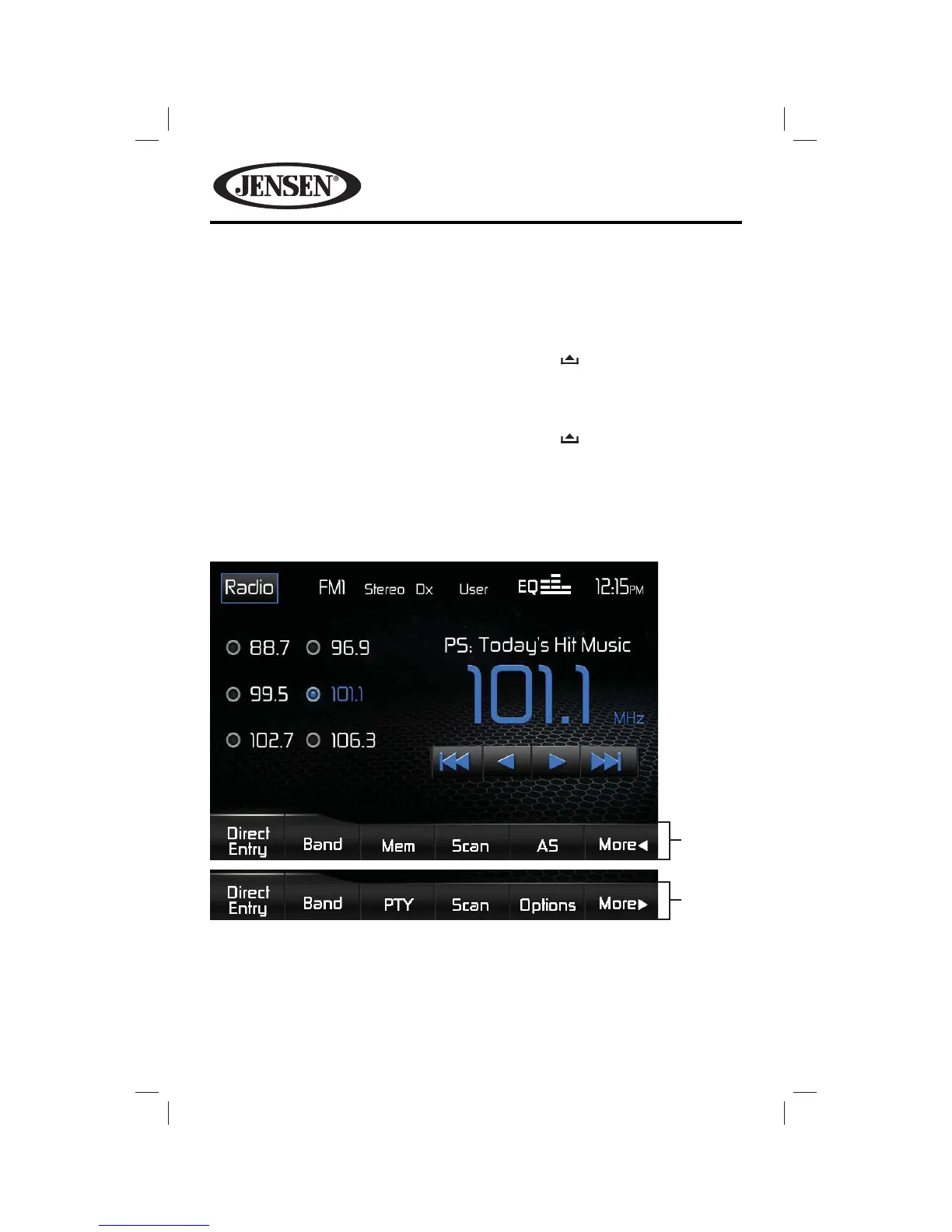
Tuner TFT Display
The on-screen indicators and touch key areas for the tuner functions are shown
below.
Menu
Page 1
Menu
Page 2















 To Next Page