22
VM9215BT
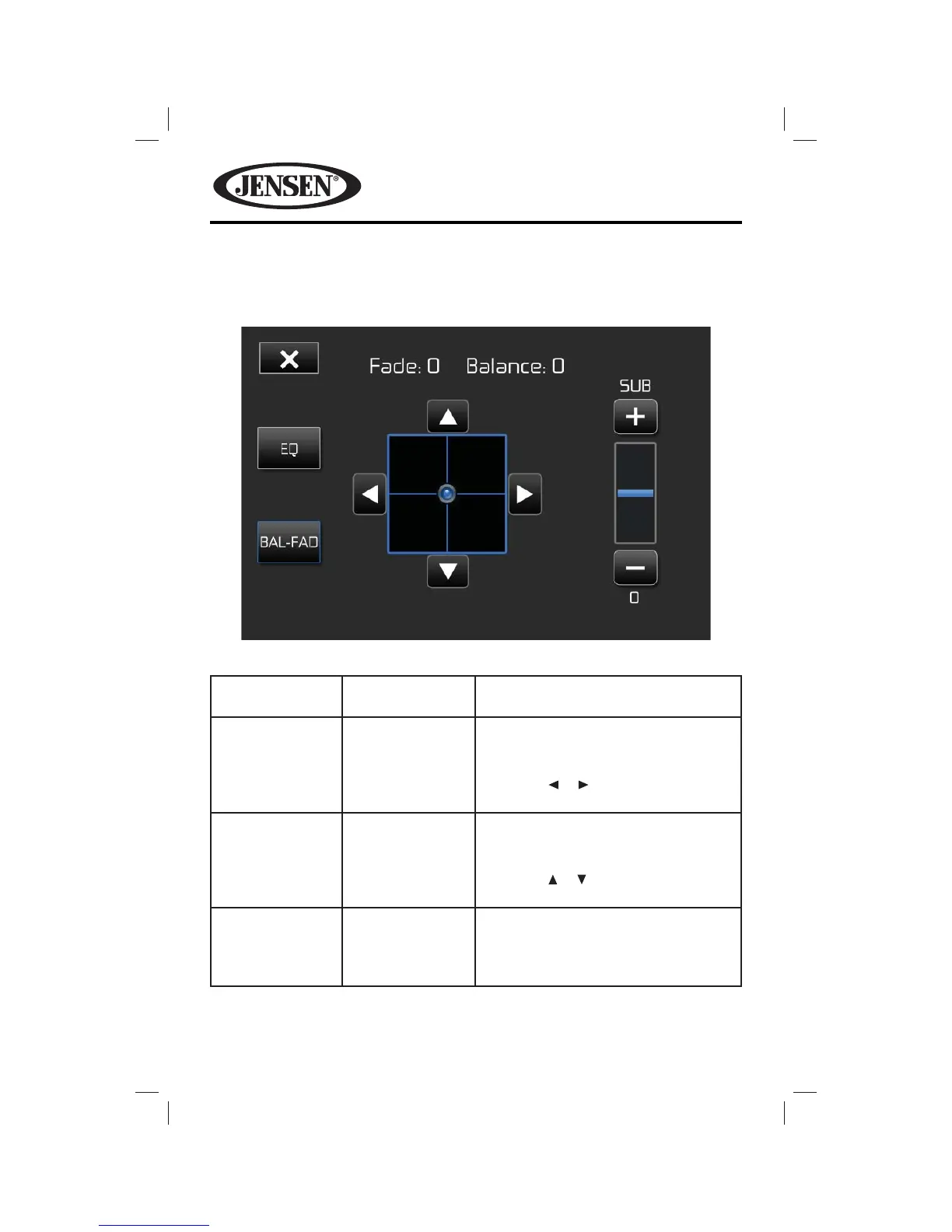
Balance-Fader
Touch the BAL-FAD button on the left side of the equalizer screen to display the
balance/fader screen.
Table 4. Balance-Fader Adjustments
Setting Adjustable
Range
Function
Balance -16 to +16 Balances the audio output levels
between the left and right side of the
vehicle.
Touch the or button to change the
setting.
Fade -16 to +16 Balances the audio output levels
between the front and back side of the
vehicle.
Touch the or button to change the
setting.
Sub -14 to +14 Reduces or increases the subwoofer
sound level.
Touch the + or - buttons to adjust the
settings.















 To Next Page