80
VM9215BT
Searching for a Channel
Search by Channel
To search by channel:
1. On the SirusXM® menu page, touch the Category/Channel icon (if needed) to
select Channel.
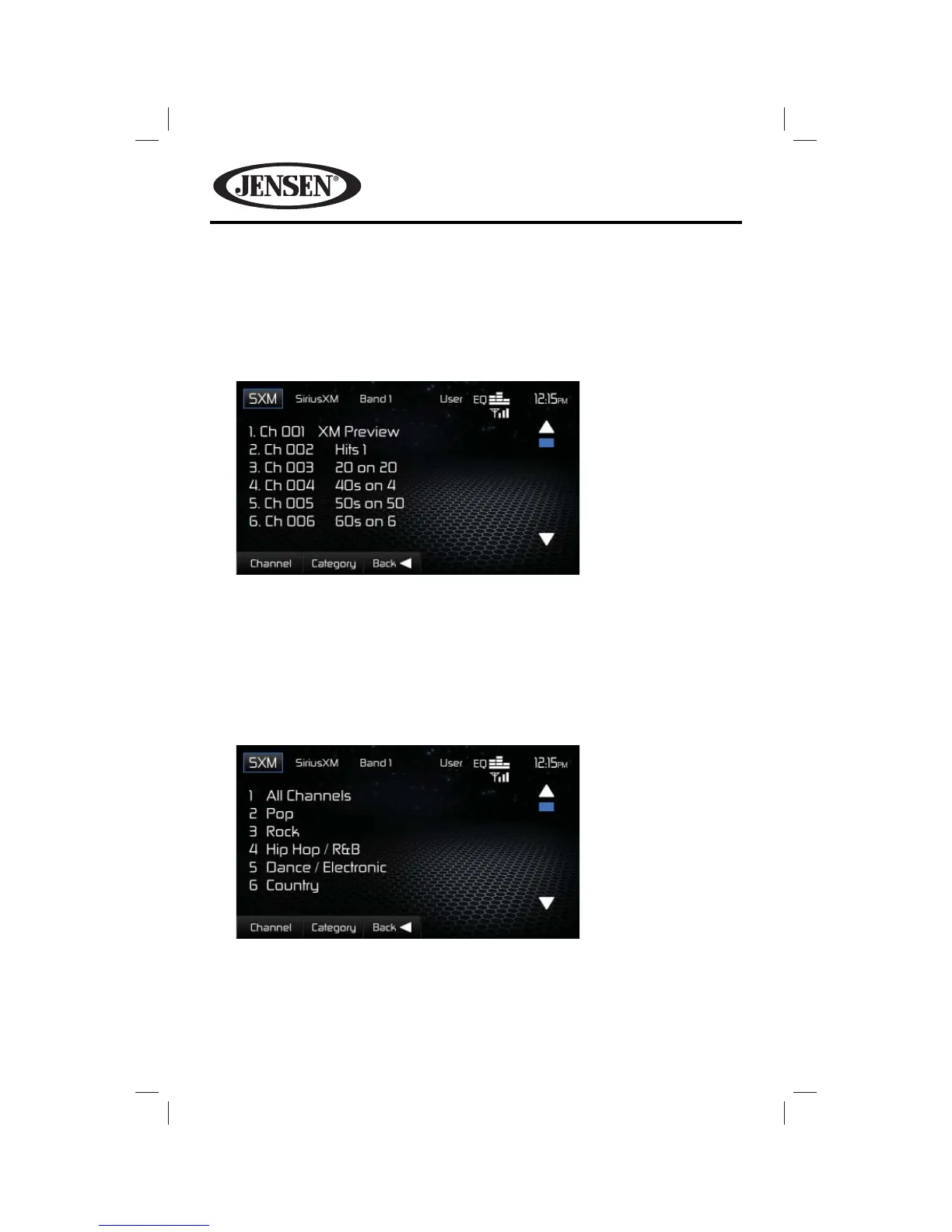
2. Touch List to go to the Channel Screen. The following screen appears.
3. Touch a channel to tune to that channel.
Search by Category
Categories group music by type such as jazz, rock, classical, etc. To search by
category:
1. On the SirusXM® menu page, touch the Category/Channel icon (if needed) to
select Category.
2. Touch List to go to the Category Screen. The following screen appears.
3. Touch a category item. A channel list screen appears.
4. Touch a channel to tune to that channel.















 To Next Page