23
VM9226BT
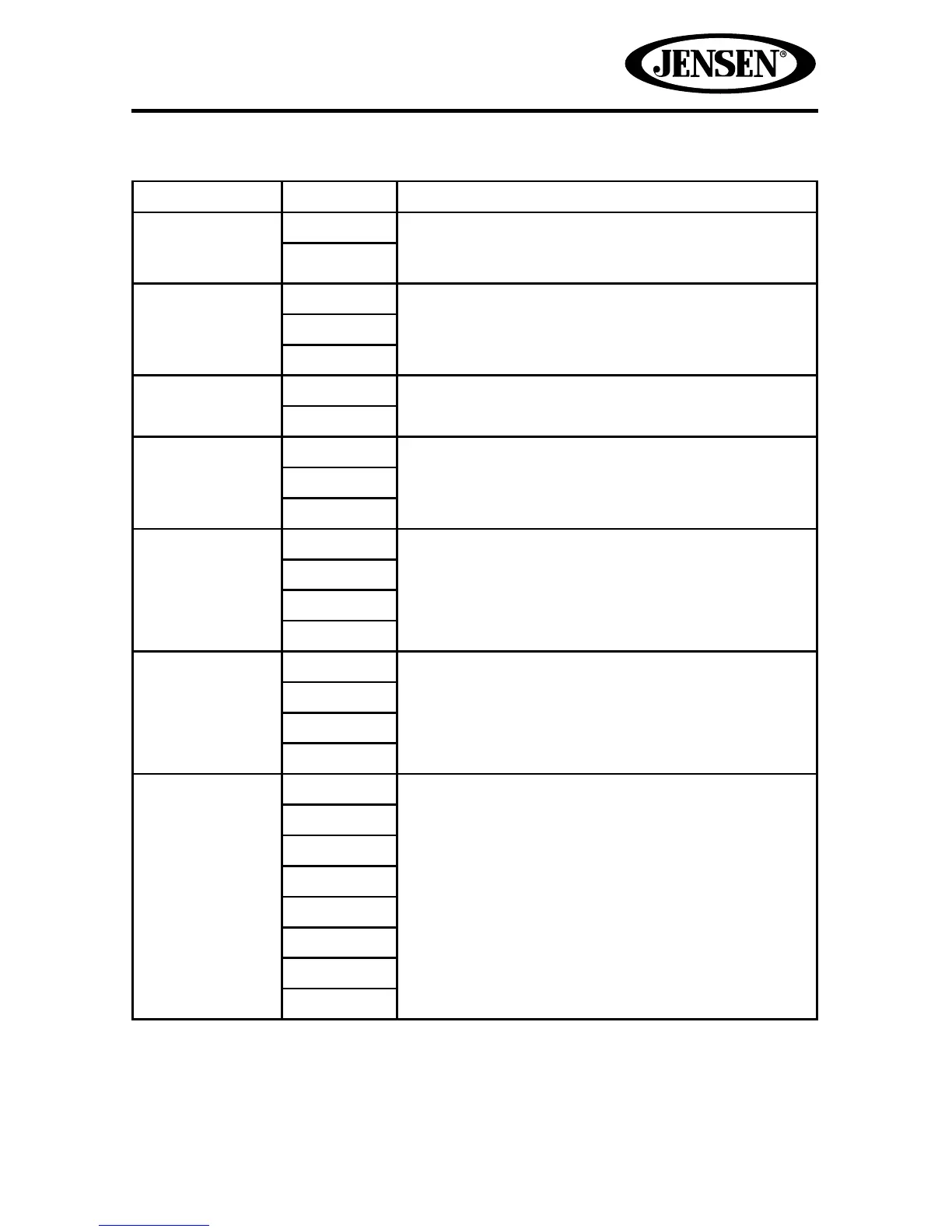
Audio Sub-menu Features
Setting Options Function
DRC
Off
Employ the Dynamic Range Control for better
playback for low volumes.
On
Loudness Off
Select low frequency boost only or high and low
frequency boost.
LO
HI/LO
Subwoofer Off
Turns the subwoofer output on or o.
On
Sub Filter 80 Hz
Select a crossover frequency to set a cut-o
frequency for the subwoofer’s LPF (low-pass
lter).
120 Hz
160 Hz
BASS Q 1.0
Adjust the Q / Bandwidth of the Bass response
of the selected BCF (Bass Center Frequency).
1.25
1.5
2.0
MID Q 0.5
Adjust the Q / Bandwidth of the Midrange
response of the selected MCF (Midrange Center
Frequency).
0.75
1.0
1.25
Source Radio
Choose a source for which you would like to
increase or decrease the relative volume (LEVEL).
Disc
USB1
USB2
SD
AUX IN
Nav
BT



 To Next Page