49
VM9226BT
Controlling your iPod®
Touch the MENU button to access the main iPod® menu. Use the touchscreen to
navigate the iPod® menus.
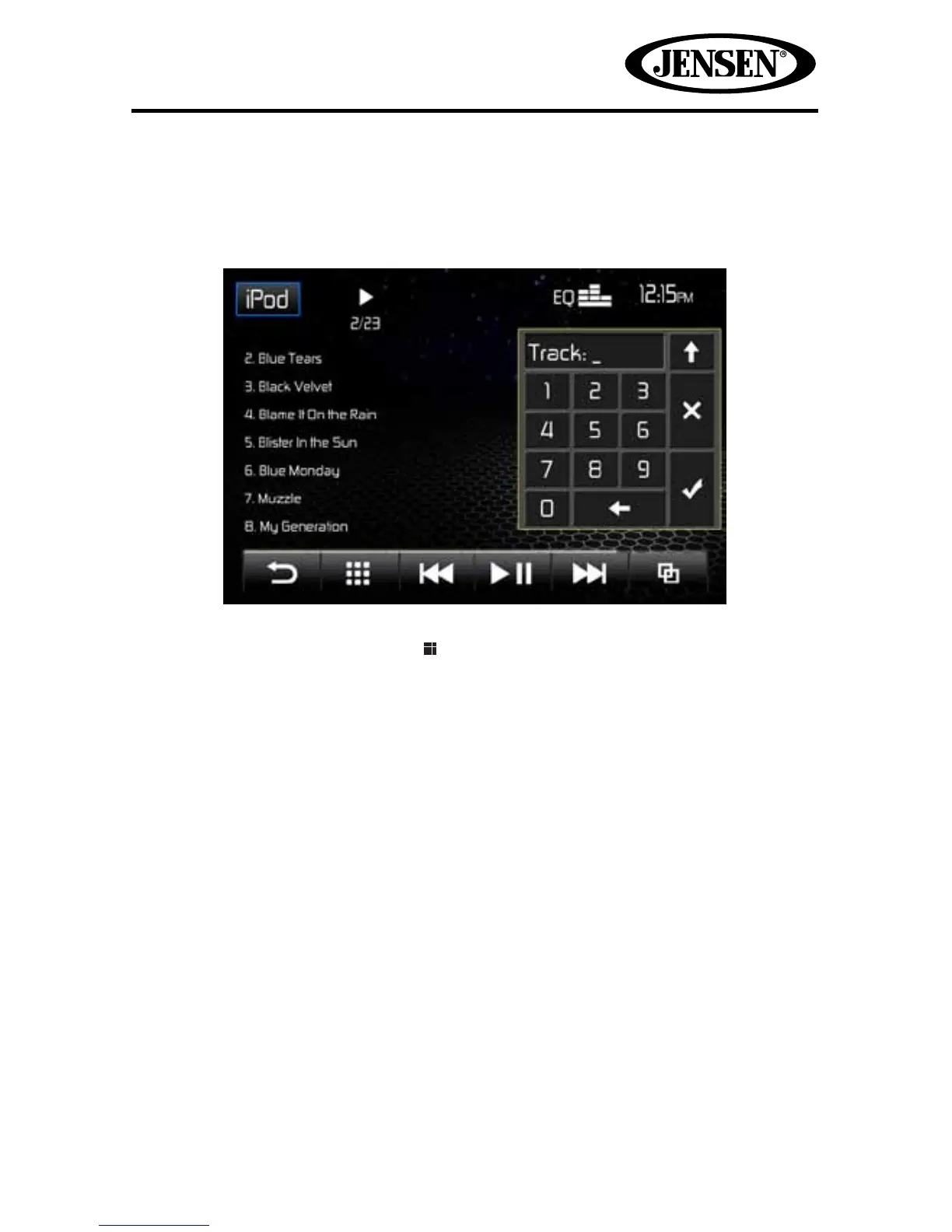
Direct Track Entry
To select a track directly, touch the icon to display the direct entry menu. Touch
to select a chapter/track directly using the direct entry menu by entering the
desired track number. Touch
the “check mark” to enter your selection.
To exit the
screen without changing the le, touch the X. To clear your entry and start over,
touch the
back arrow.
NOTE: To transmit the video from your iPod® to the VM9226BT screen, you must set
the following options through the iPod® video settings menu:
TV Out = On, TV Signal = NTSC, and Widescreen = On.
NOTE: After disconnecting your iPod®, the VM9226BT will always return to the last
mode accessed when the iPod® is plugged back into the unit



 To Next Page