54
VM9226BT
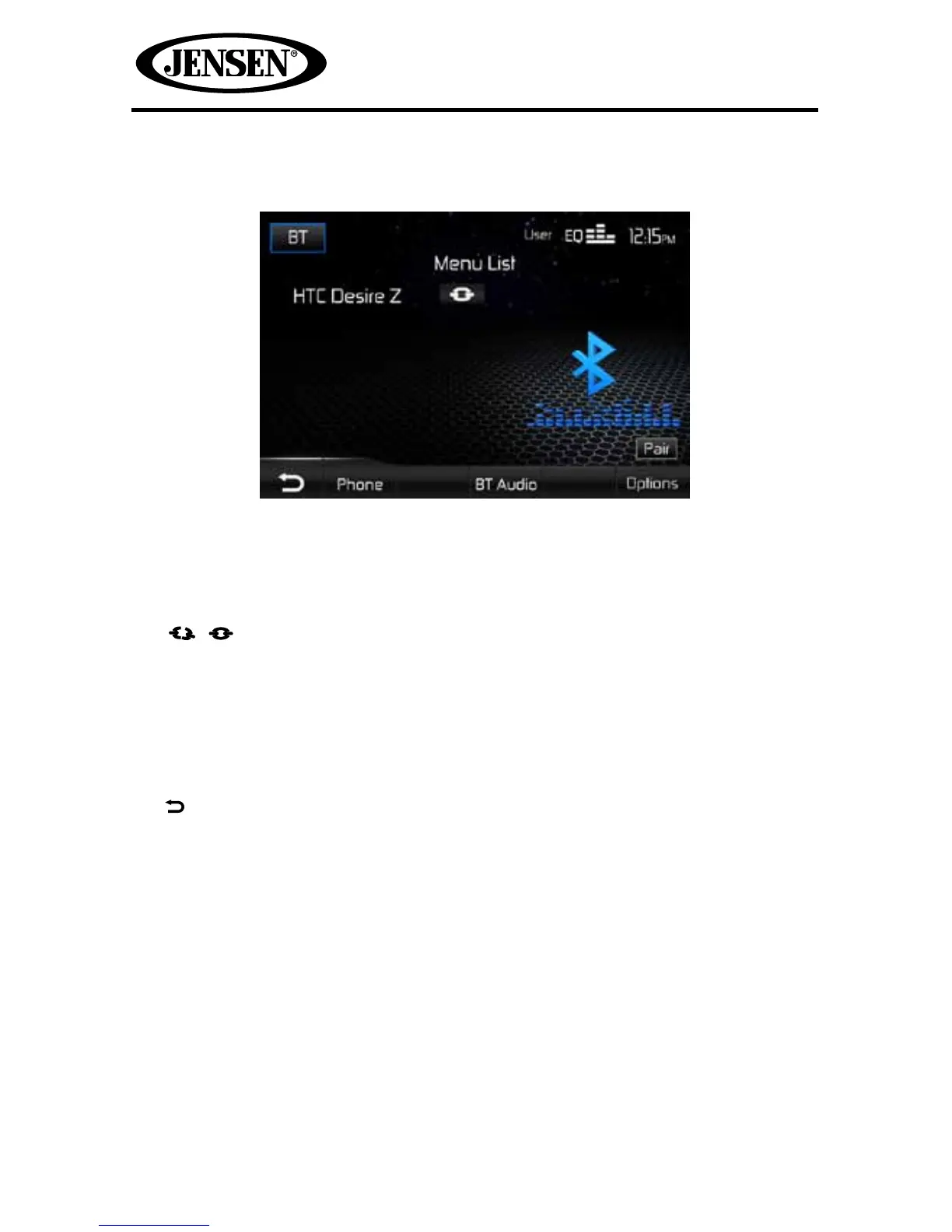
Bluetooth User Interface
The on-screen indicators and touch key areas for Bluetooth® functions are outlined
below.
1. BT: Touch to view the SOURCE MENU and select a new playback source.
2. User: Indicates the current equalizer setting.
3. EQ: Touch for quick access to Equalizer level settings.
4. Clock
5. / : Indicates whether the unit is connected/disconnected with a
Bluetooth®device.
6. Pair: Touch to initiate the pairing process with a Bluetooth®device.
7. Options: Touch to congure Bluetooth® parameters and options. Refer to the
Options screen for further details.
8. BT Audio: Touch to access the Bluetooth® music function.
9. Phone: Touch to access the phone call menu.
10. Touch to return to a previous menu.



 To Next Page