6
VM9324
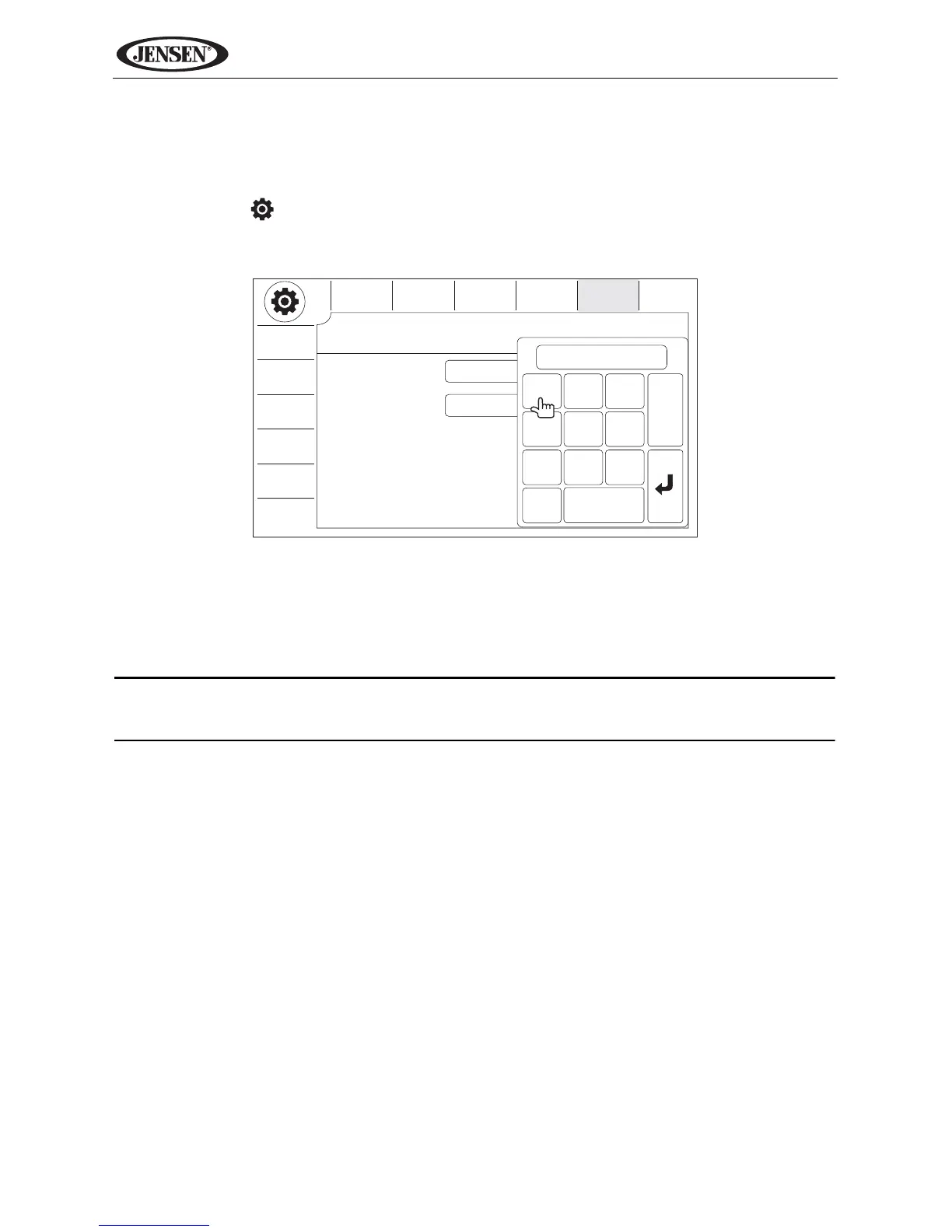
Changing the Password
To change the SECURITY password using the touch screen, perform the
following steps:
1. Touch the button to view the “SETUP” menu.
2. Touch SECURITY to view the “SECURITY” sub-menu.
3. Enter the current password (default is 012345) and touch the arrow (enter)
key.
4. Touch the “Password” field to open the on-screen keypad.
5. Enter a new 6-digit password and press the arrow (enter) button.
NOTE: If you forget your password, contact Customer Service at 1-800-
323-4815 for assistance.



 To Next Page