26
VM9324
17. (a) Current source
(b) Touch to view the SOURCE MENU and select a new source
18. AS: Scan and automatically store strongest received stations
19. : View the SETUP menu
20. TAG: Tag the current song for possible iTunes download. If an iPod is
connected, the tag goes directly to the iPod/iPhone. If no iPod is
connected, the unit stores the tag (up to 64) for transfer to the iPod later.
21. PTT: Activate the Push To Talk voice recognition feature. See “iPod
Voice Control” on page 16.
22. Analog/Digital/Auto signal tuning indicator
23. Touch the arrows and scroll bar to navigate the list
24. MEM: View screen used to enter current channel into preset memory
25. PROG: Activate choose a program type for tuning
26. A/D: Choose between Analog, Digital and Auto tuning modes
27. Signal strength indicator
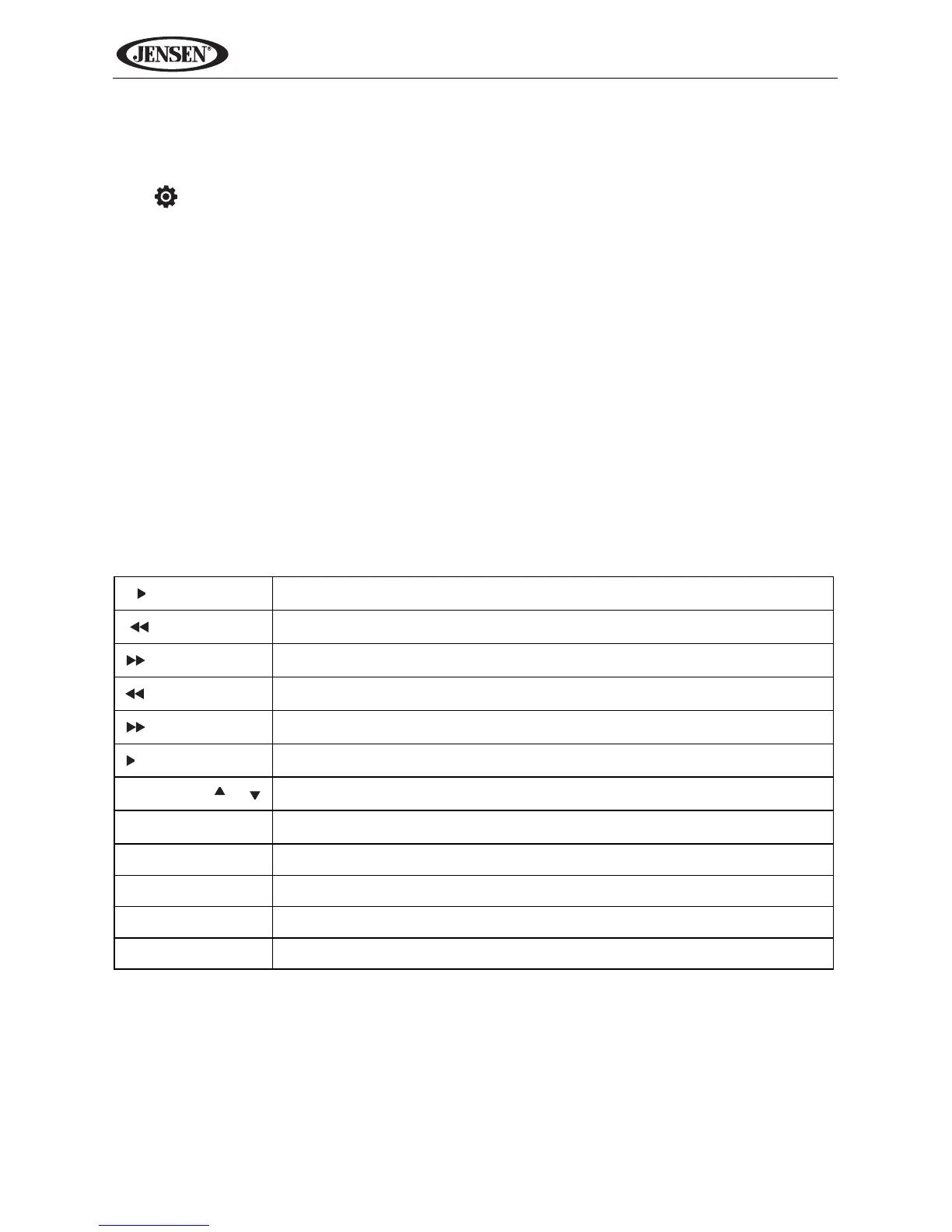
Remote Control Functions
Table 3: Tuner Remote Control Functions
|| / BAND
Select AM/FM band
|
Seek tuning lower
|
Seek tuning higher
Incremental tuning lower
Incremental tuning higher
/||
Confirm (enter) direct entry
PRESET /
Navigate preset station list
1-9, 0, *, #
Direct entry
EQ Access equalizer menu
GOTO Access direct entry keypad
PTT Push to talk
TAG Tag the current song for possible iTunes download



 To Next Page