55
VM9324
2. File number and total number of files on the iPod
3. Current time
4. File titles
5. ID3 information (Artist/Album)
6. ENTER: Touch to “Enter”
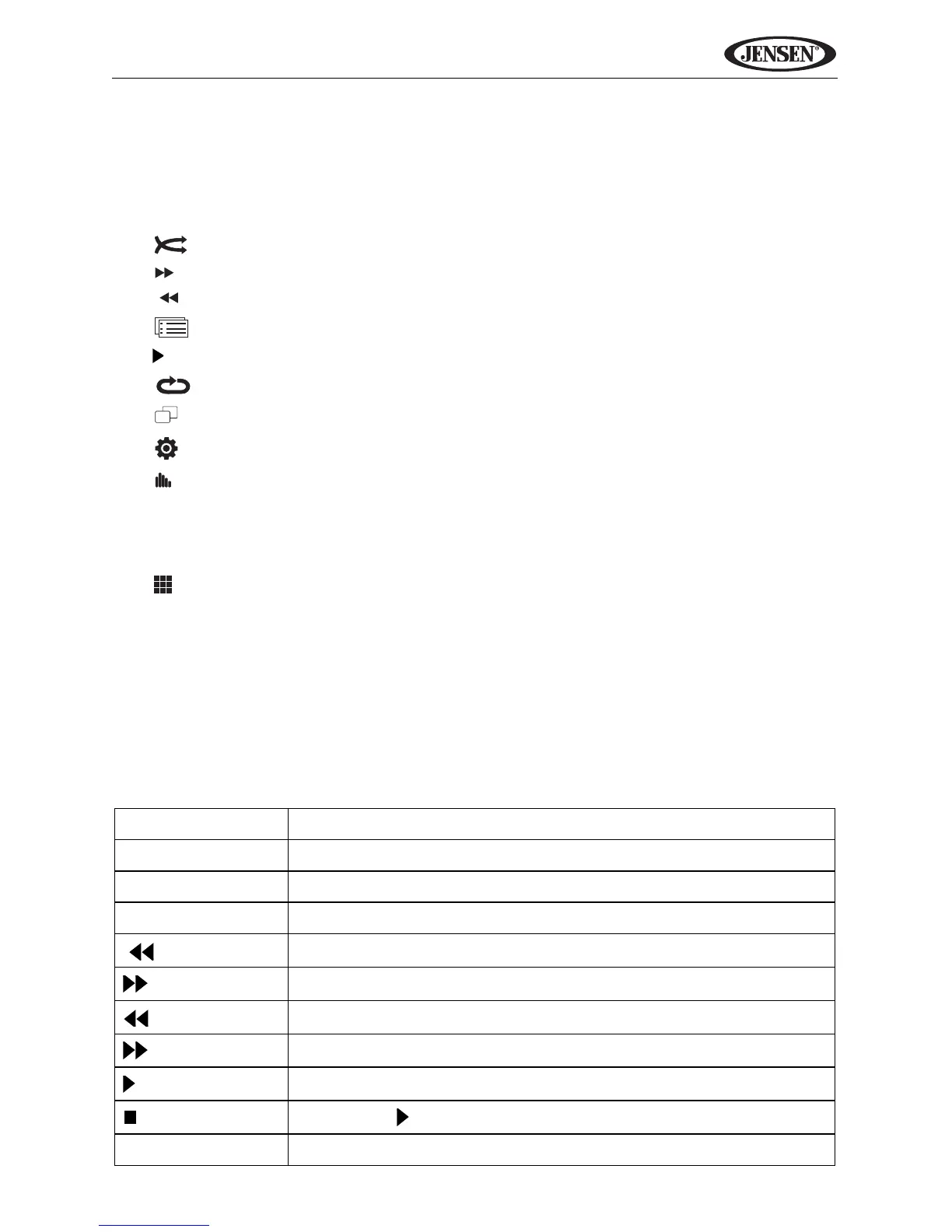
7. : Activate/deactivate Random mode
8. |: Next track
9. | : Previous track
10. : iPod Menu
11. ||: Play/pause
12. : (x1) Repeat Single, (x2) Repeat All
13. : View the song title screen
14. : View the SETUP menu.
15. : Quick access to Equalizer level settings.
16. (a) Current source
(b) Touch to view the SOURCE MENU and select a new source
17. Current file title
18. : Access the direct entry screen.
19. LOUD: Turn loudness features ON/OFF
20. PTT: Activate the Push To Talk voice recognition feature. See “iPod
Voice Control” on page 16.
21. Touch the arrows and scroll bar to navigate the list.
22. 1/2, 2/2: Touch to move between page 1 and 2 of the on-screen controls
Table 10: iPod Remote Control Functions
RPT Press once to repeat song, twice to repeat album
SUBTITLE Select photo menu
ANGLE Select video menu
AUDIO Select music menu
|
Previous file
|
Next file
Play/Pause
Menu up
/||
Menu select (enter) or play/pause
Stop (press
/|| to resume playback)
1-9, 0 (Keypad) Direct enter file number for playback



 To Next Page