56
VM9726BT
Direct Track Entry
To select a track directly:
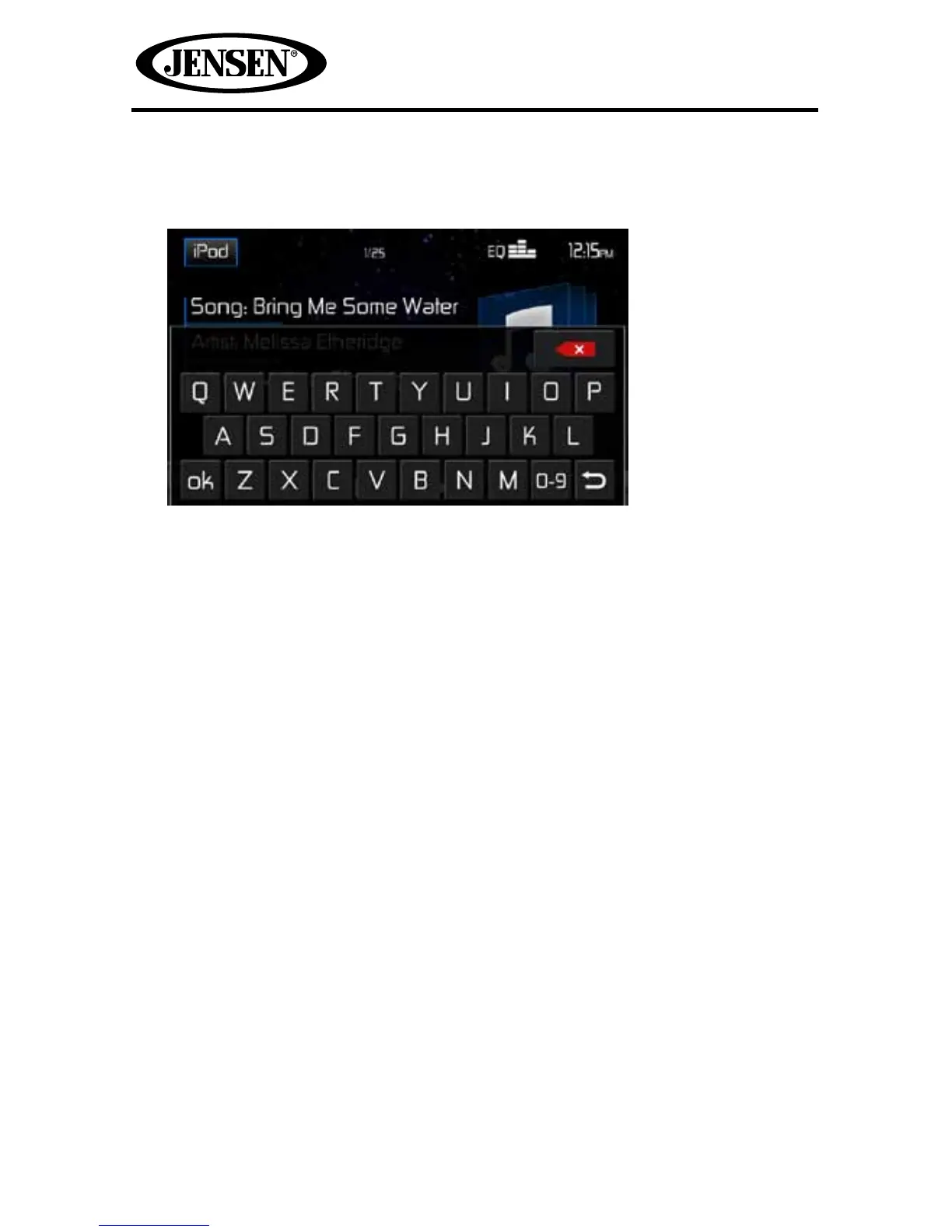
1. Touch the Search icon on the Search Menu to display the direct entry menu.
2. Enter the desired track the on-screen key pad. If you wish to delete an entry
number touch the red X on the keypad. Press ok to play to the selected track.
To exit the screen without changing the station, touch the iPod icon in the
upper right corner.



 To Next Page