66
VM9726BT
Call Transfer
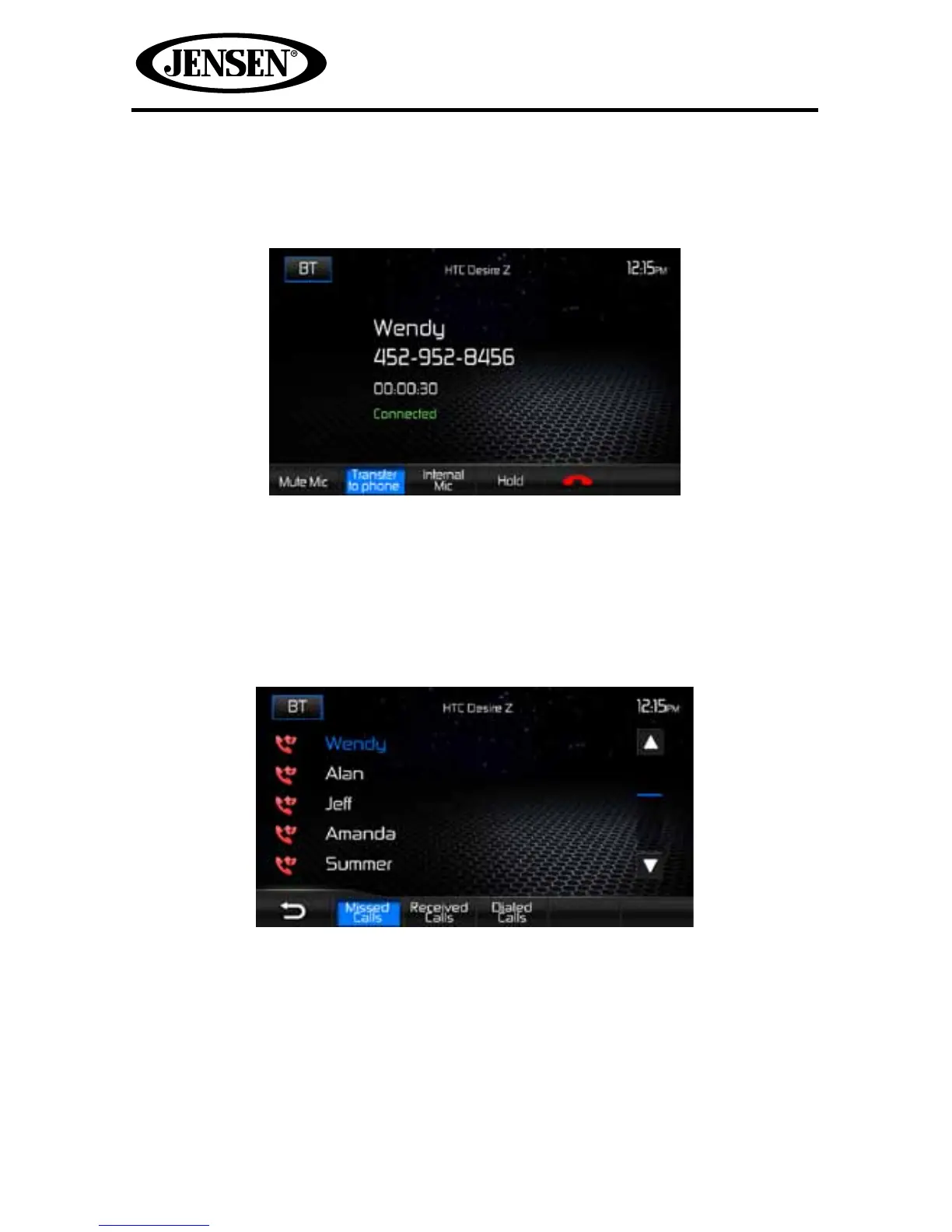
While talking, to transfer audio from the unit back to the mobile phone, touch the
Transfer to Phone icon and the following screen will appear:
Pressing the Transfer to Phone icon again will return the audio from the mobile
phone to the unit.
Missed Calls
The missed calls list retrieves the list of missed numbers from your mobile phone if
your mobile phone allows the function. The last missed number is the rst number
on the list.
To make a call from the missed calls list, touch the call’s name and it will be dialed.



 To Next Page