EasyManua.ls Logo

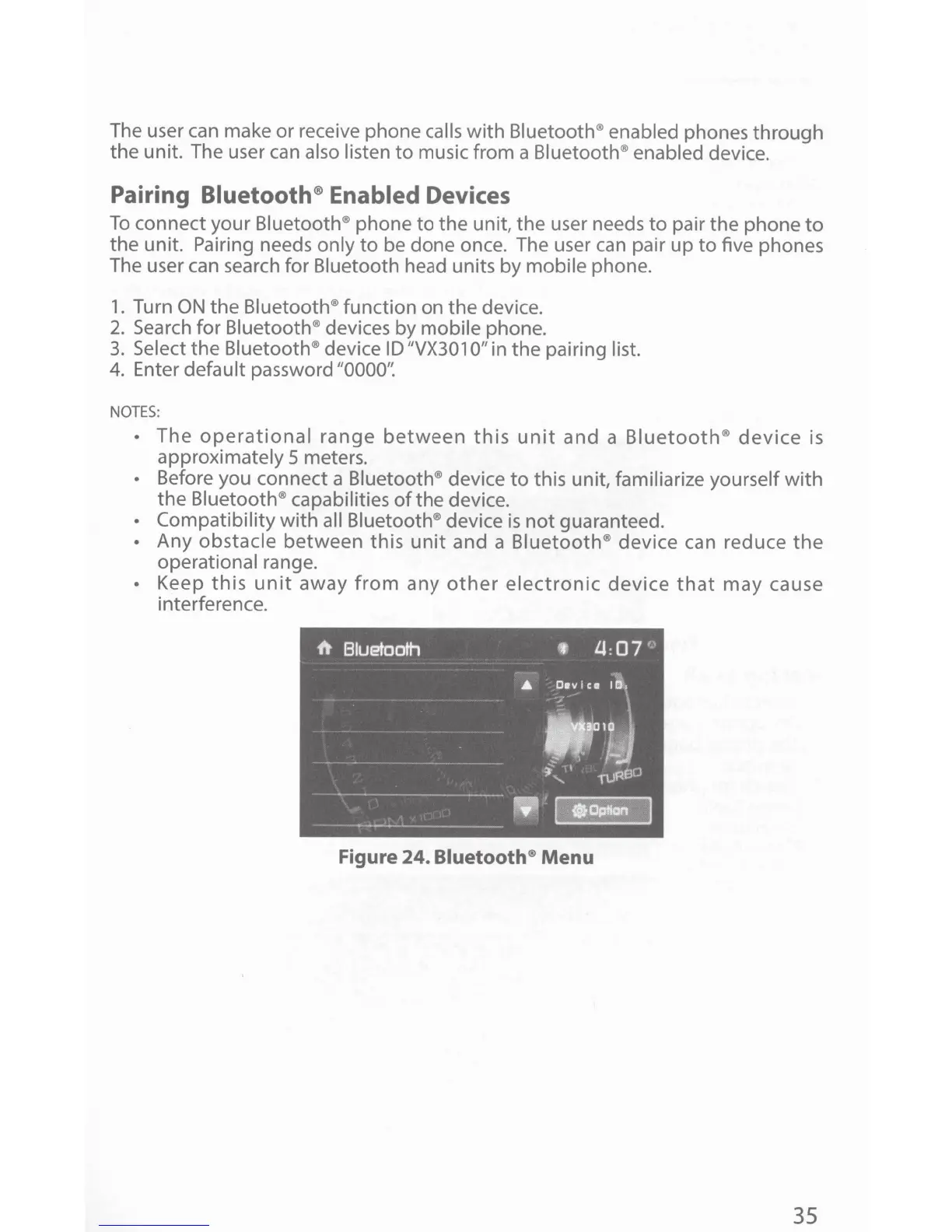
Jensen VX3010 - Bluetooth Device Pairing; Pairing Bluetooth Enabled Devices; Bluetooth Menu Illustration

Jensen VX3010
54 pages
Print Icon
To Next Page IconTo Next Page
To Previous Page IconTo Previous Page
Loading...
The user can make or receive phone calls
with
Bluetooth® enabled
phones through
the unit. The user
can
also listen
to
music from a
Bluetooth® enabled
device.
Pairing
Bluetooth® Enabled
Devices
To
connect your
Bluetooth® phone
to
the
unit,
the
user needs
to
pair the phone
to
the
unit. Pairing needs
only
to
be done once. The user
can
pair
up
to
five phones
The user can search for Bluetooth head units by
mobile
phone.
1.
Turn
ON
the
Bluetooth®
function on
the
device.
2.
Search
for
Bluetooth®
devices
by
mobile
phone.
3.
Select
the
Bluetooth®
device
ID
"VX301
0"
in
the
pairing
list.
4.
Enter default
password
"0000':
NOTES
:
The
operational
range
between
this
unit
and
a
Bluetooth
®
device
is
approximately 5 meters.
Before you connect a
Bluetooth®
device
to
this unit,
familiarize yourself
with
the
Bluetooth®
capabilities
of
the
device.
Compatibility
with
all Bluetooth®
device
is
not
guaranteed.
Any
obstacle
between
this
unit
and a
Bluetooth
®
device can reduce
the
operational
range.
Keep
this
unit
away
from
any
other
electronic
device
that
may
cause
interference.
Figure
24.
Bluetooth®
Menu
35

Other manuals for Jensen VX3010

Related product manuals