VX3010
Disconnecting
a Bluetooth®
Device
To
disconnect one device, touch [ Disconnect]. After "Disconnect"
is
pressed, the
radio will display a screen listing paired devices.
Pressing
the Green "Plug" icon will
reconnect a previously paired phone
to
the
BT
radio. Pressing the "Wastebin" icon
next
to
a device's name will unpair
the
phone from the radio.
NOTES.
• The device
will
be disconnected
when
the
device
is
moved
beyond
the
operational range.
•
If
you want
to
reconnect the device
to
the unit, place
it
within
the
operational
range.
•
If
you
do
not
want
to
reconnect
the
device
to
the
unit
automatically, touch
[Options],
then set
[Auto
connect]
to
[OFF].
For
details,
see
the"Adjust Bluetooth® Settings" section.
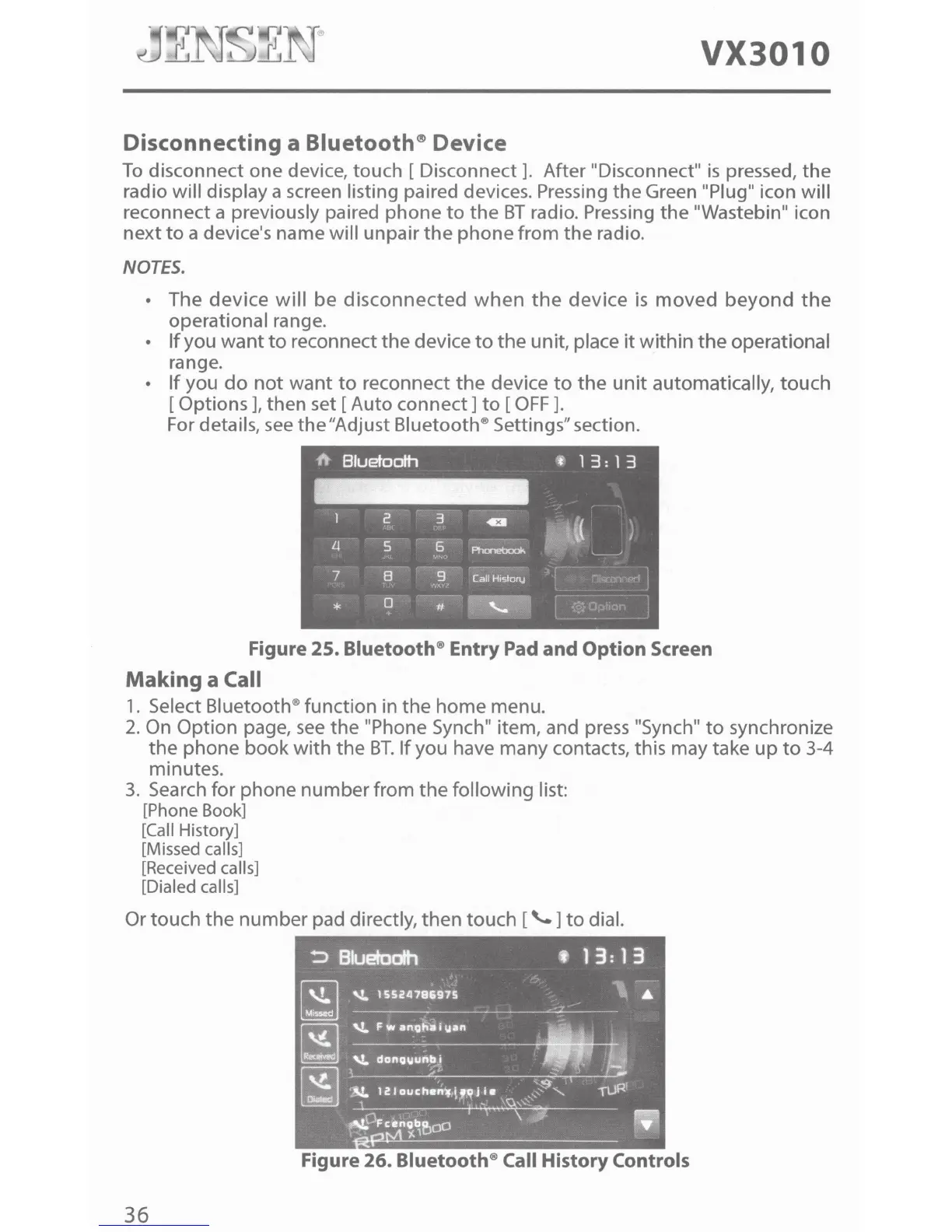
Figure
25.
Bluetooth® Entry Pad
and
Option
Screen
Making a Call
1.
Select Bluetooth® function in the home menu.
2.
On
Option page,
see
the "Phone Synch" item, and
press
"Synch"
to
synchronize
the phone book with the
BT.
If
you have many contacts, this may take up
to
3-4
minutes.
3.
Search
for phone number from the following list:
[Phone Book]
[Call History]
[Missed calls]
[Received calls]
[Dialed calls]
Or touch the number pad directly, then touch
[\..]to
dial.
Figure
26.
Bluetooth® Call History Controls
36



 To Next Page