35
VX7020
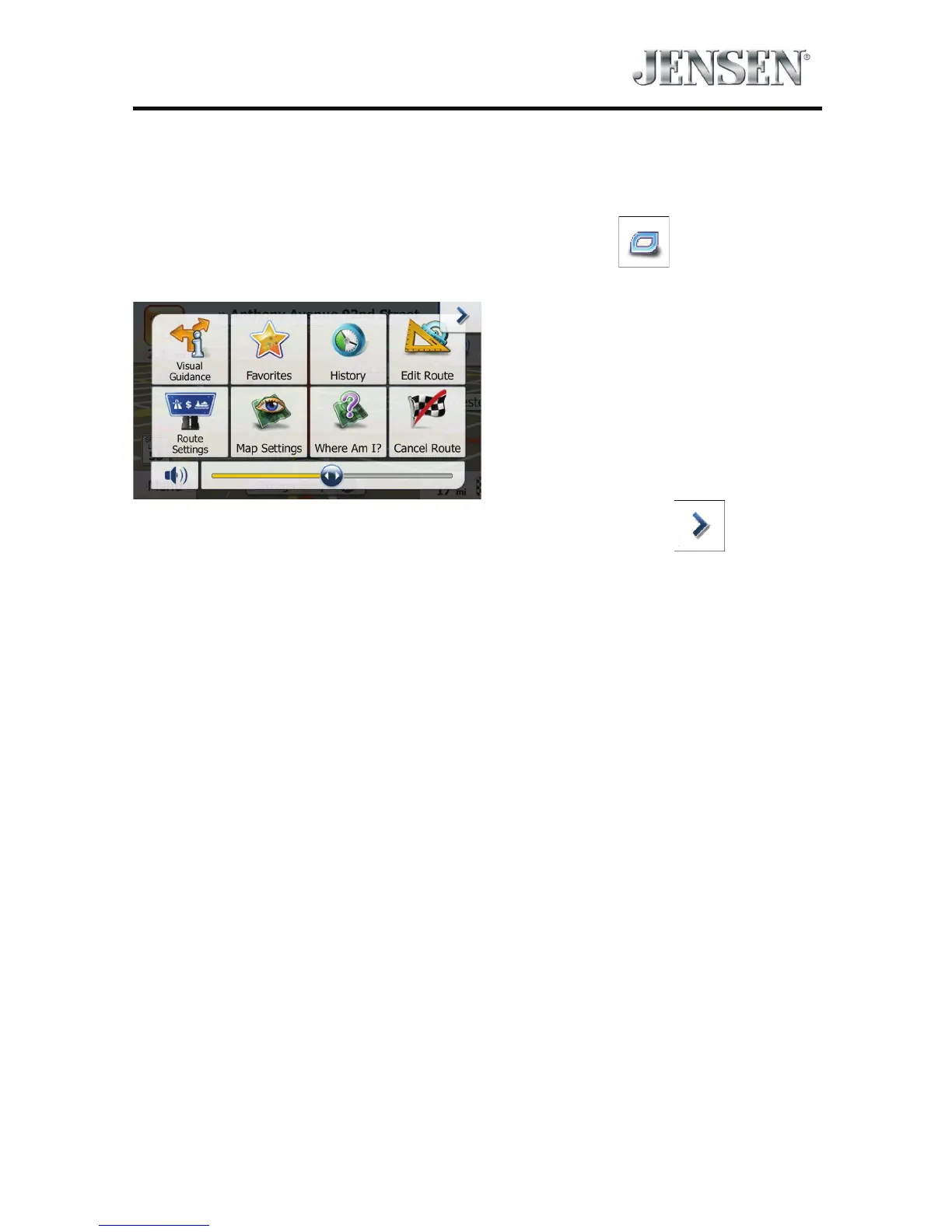
Quick Menu
The Quick menu is a selection of controls and functions that are frequently
needed during navigation.
It can be opened directly from the Map screen by tapping
.
The menu will close after a few seconds of inactivity or if you tap .
The menu will also close if you initiate simple controls like muting the device. In
other cases tapping a button will open a new screen with options.
Most of these functions are shortcuts. They are accessible from the menu system.



 To Next Page