59
VX7020
AV-In1/AV-In2 OPERATION
AV-In1
AV-In1 is used for playback of audio/video from an external device connected to
the unit through a 3.5mm jack located on the font panel. The unit can increase or
decrease the volume of the connected device. All other controls are done on the
connected device.
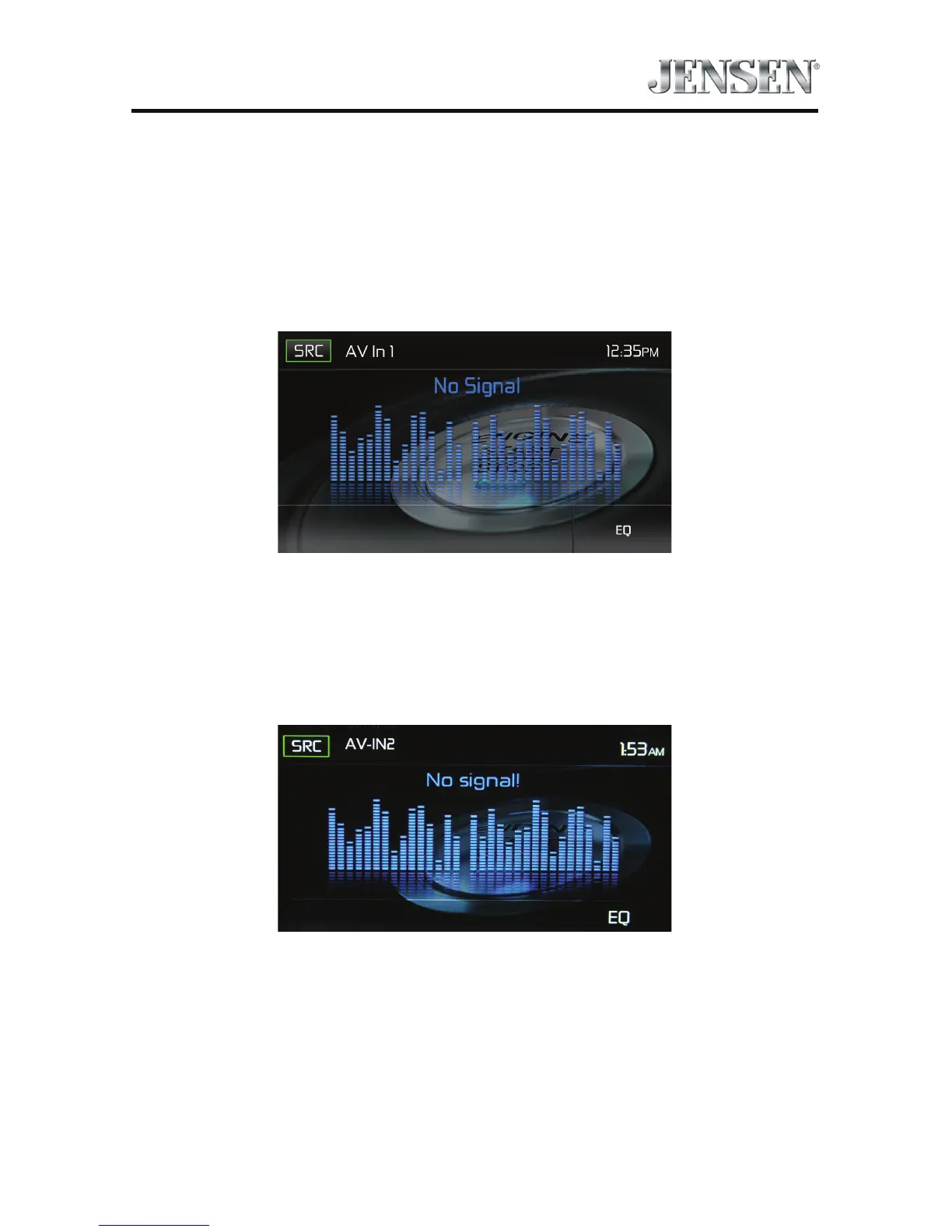
AV-In1 Screen (No Signal)
AV-In2
AV-In2 is used for playback of audio/video from an external device connected
through RCA connectors located on the back of the unit. The unit can increase or
decrease the volume of the connected device. All other controls are done on the
connected device.
AV-In2 Screen (No Signal)
Note: Audio/Video device must be connected to the unit using an audio/video
adapter cable that is available separately.
Note: The unit can not directly control external devices connected to the Media Link.
Please refer to the owner’s manual that came with the external device for
instructions.
Note: Video will only play when the vehicle parking brake is engaged. This is
designed to meet FMVSS standards and laws. The brake must be connected
for this feature to operate.



 To Next Page