116
VX7020
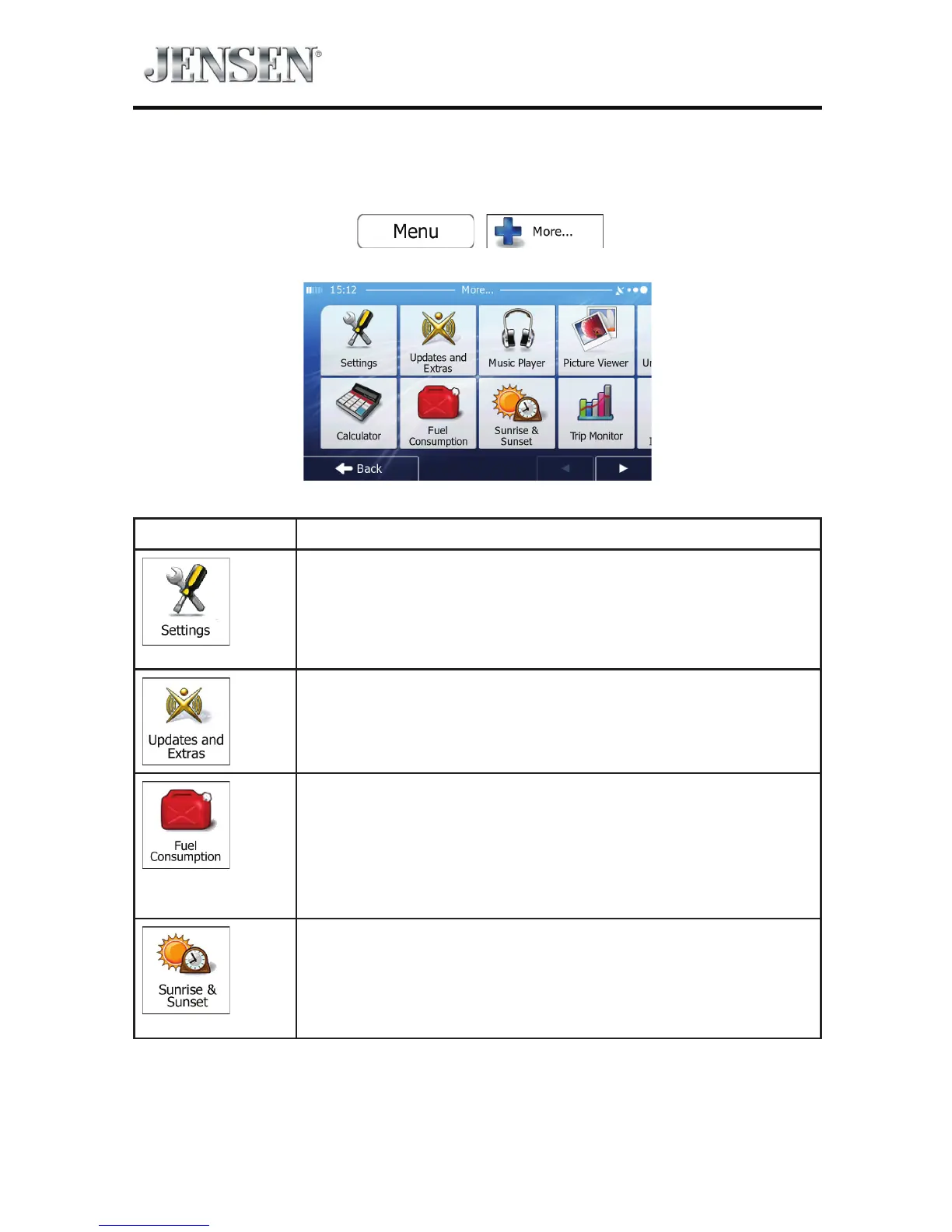
‘MORE’ MENU
The ‘More’ menu provides you with various options and additional applications.
Tap the following buttons:
, .
Button Description
You can congure the program settings, and modify the
behavior of iGO primo. Fine-tune route planning options,
change the look of the Map screen, turn on or o warnings,
or restart the Conguration wizard, etc. See the next chapter
for details.
Visit www.naviextras.com to get additional content, such as
new maps or 3D landmarks and useful applications.
The Fuel Consumption monitor helps you keep track of the
consumption of your car even if you do not use navigation
for all your journeys. Set the initial odometer value and then
record the distance taken and fuel lled in whenever you ll
your car.
You can also set reminders for regular car maintenance.
Tap this button to see the sunlit and dark areas of the world.
Your current location and route points are marked on the
map. Tap the Details button to see the exact sunrise and
sunset times for all your route points (your current location,
all waypoints and the nal destination).



 To Next Page