16
VX7020
EXTERNAL DEVICES
Connecting External Devices
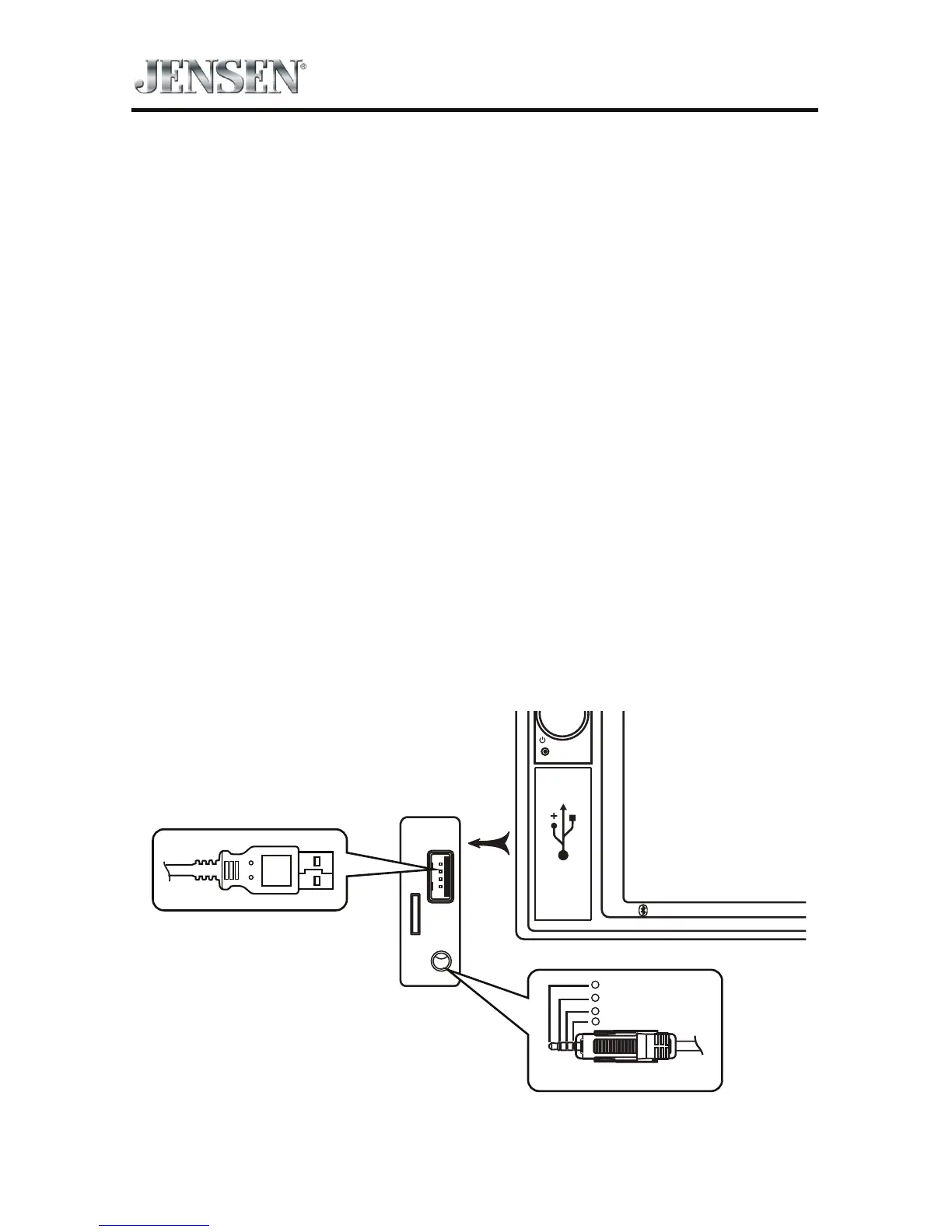
External devices, including a game console, camcorder, navigation unit, iPod®,
Zune®, etc. can be connected to this unit using its front A/V input 3.5mm jack (AV-
In1), the rear RCA inputs (AV-In2) or the USB port.
You cannot directly control external devices connected to the A/V INPUTs using
the front panel controls or this unit’s remote control.
AV-In1
AV-In1 is used for playback of audio/video from an external device connected to
the unit through a 3.5mm jack. The unit can increase or decrease the volume of
the connected device all other controls are done on the connected device. Select
“AV-In 1” mode to access auxiliary devices.
AV-In2
AV-In2 is used for playback of audio/video from an external device connected
through RCA connectors located on the back of the unit (see the VX7020
Installation Guide). The unit can increase or decrease the volume of the connected
device; all other controls are done on the connected device. Select “AV-In2” mode
to access auxiliary devices.



 To Next Page