39
VX7020
Checking the Details of the Current Position (Where
Am I?)
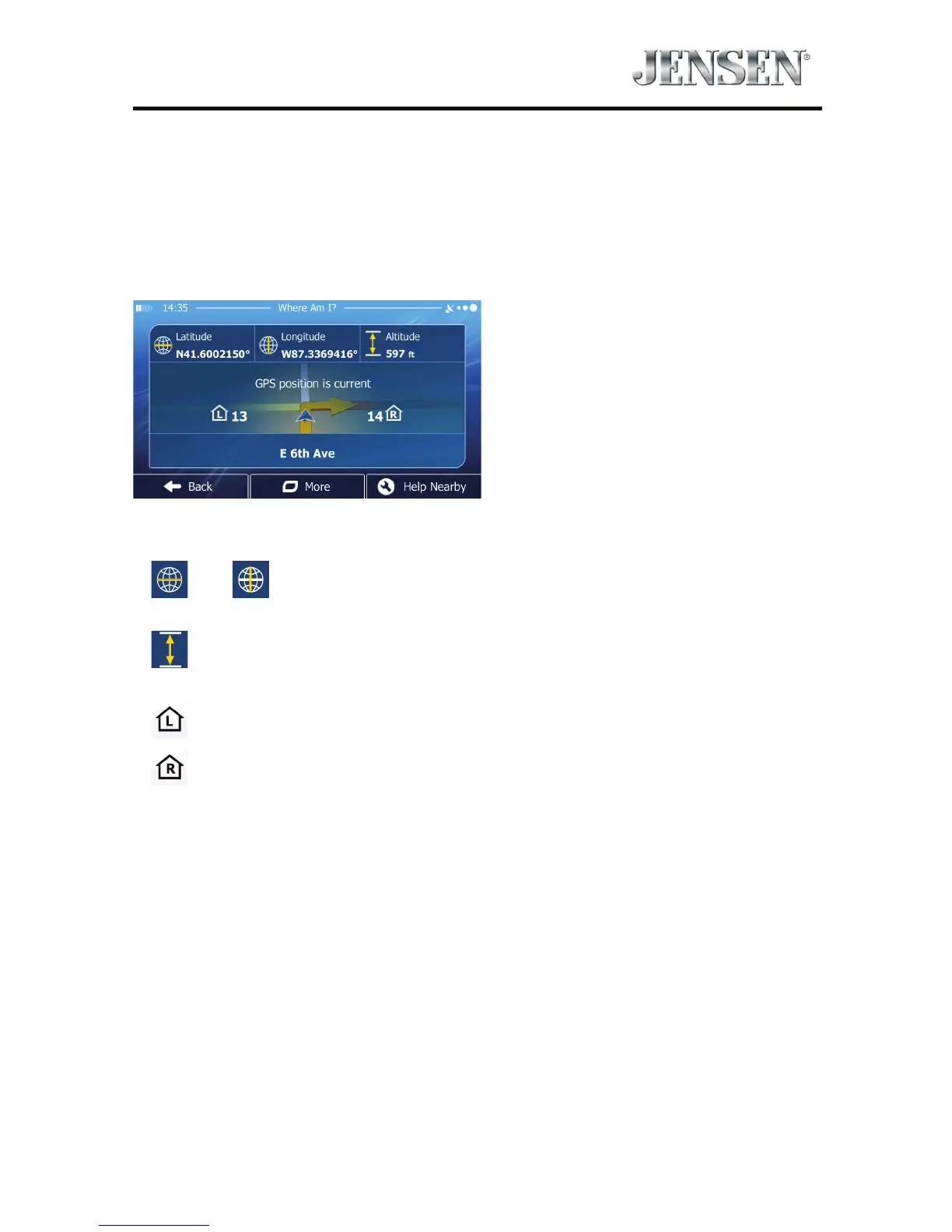
Opened from the Quick menu, this screen contains information about the current
position (or about the last known position if GPS reception is not available) and a
button to search for useful Places nearby.
Information On This Screen:
t
and : Latitude and Longitude (coordinate of the current position in
WGS84 format).
t
: Altitude (elevation information coming from the GPS receiver - often
inaccurate).
t
: House number on the left.
t
: House number on the right.
t In the middle of the screen you can see whether the position is current, or the
time left since it was last updated.
t Address details (when available) of the current position are also displayed at the
bottom.



 To Next Page