50
VX7020
Entering an Address Starting with the Street Name (in the United States only)
You can leave the city/town name empty and start the search with the street
name. This way you can search in all streets of a state. Do as follows:
1. If you are on the Map screen, tap
to return to the
Navigation menu.
2. In the Navigation menu, tap the following buttons:
, .
3. By default, iGO primo proposes the country and state where you are. If
needed, tap the button with the name of the country, enter the rst few
letters of the destination country or state on the keyboard, and select a
country and state from the list. If you select the country without a state, this
function cannot work.
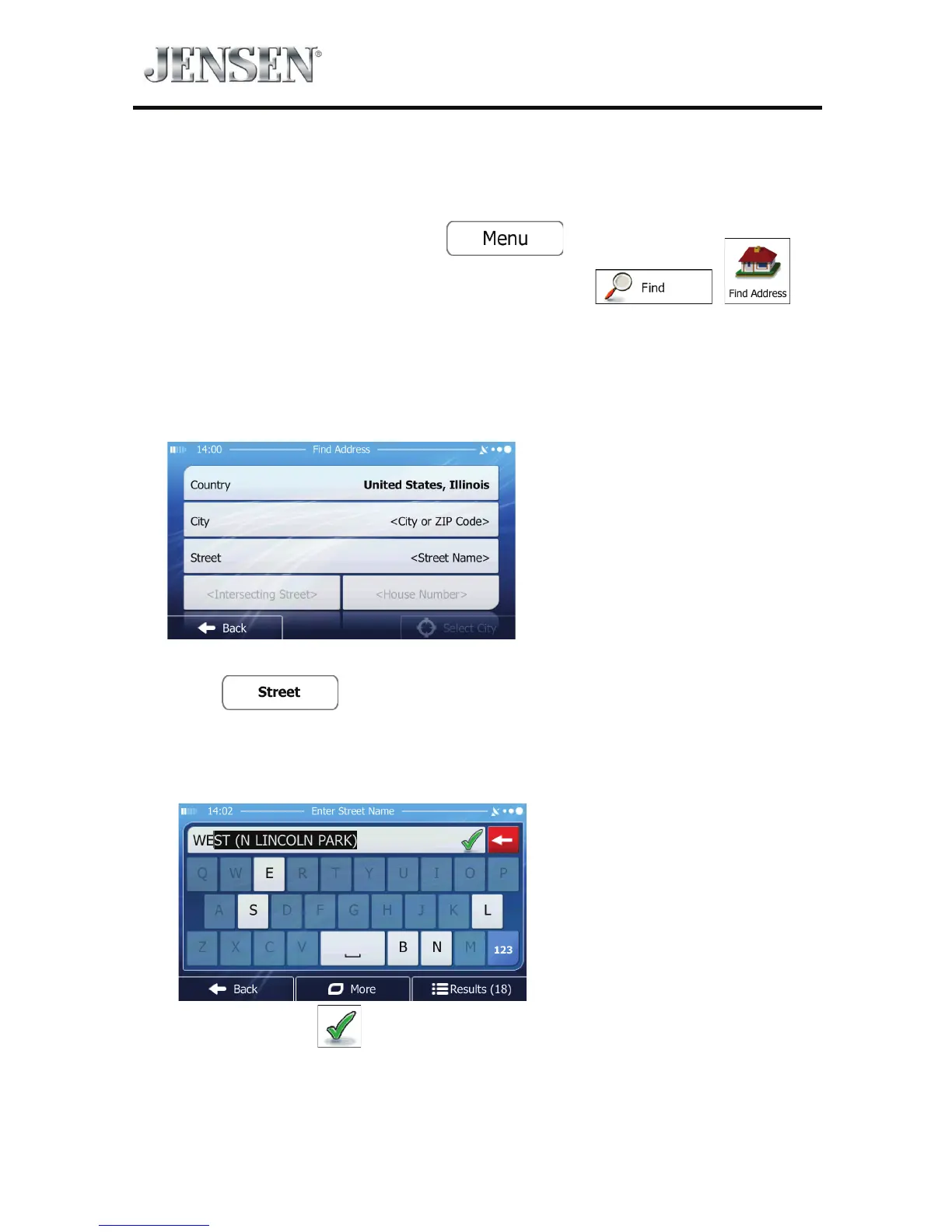
4. Enter the street name:
a. Tap
.
b. Start entering the street name on the keyboard.
c. Find the street you need:
t The most likely street name is always shown in the input eld.
To accept it, tap
.



 To Next Page