56
VX7020
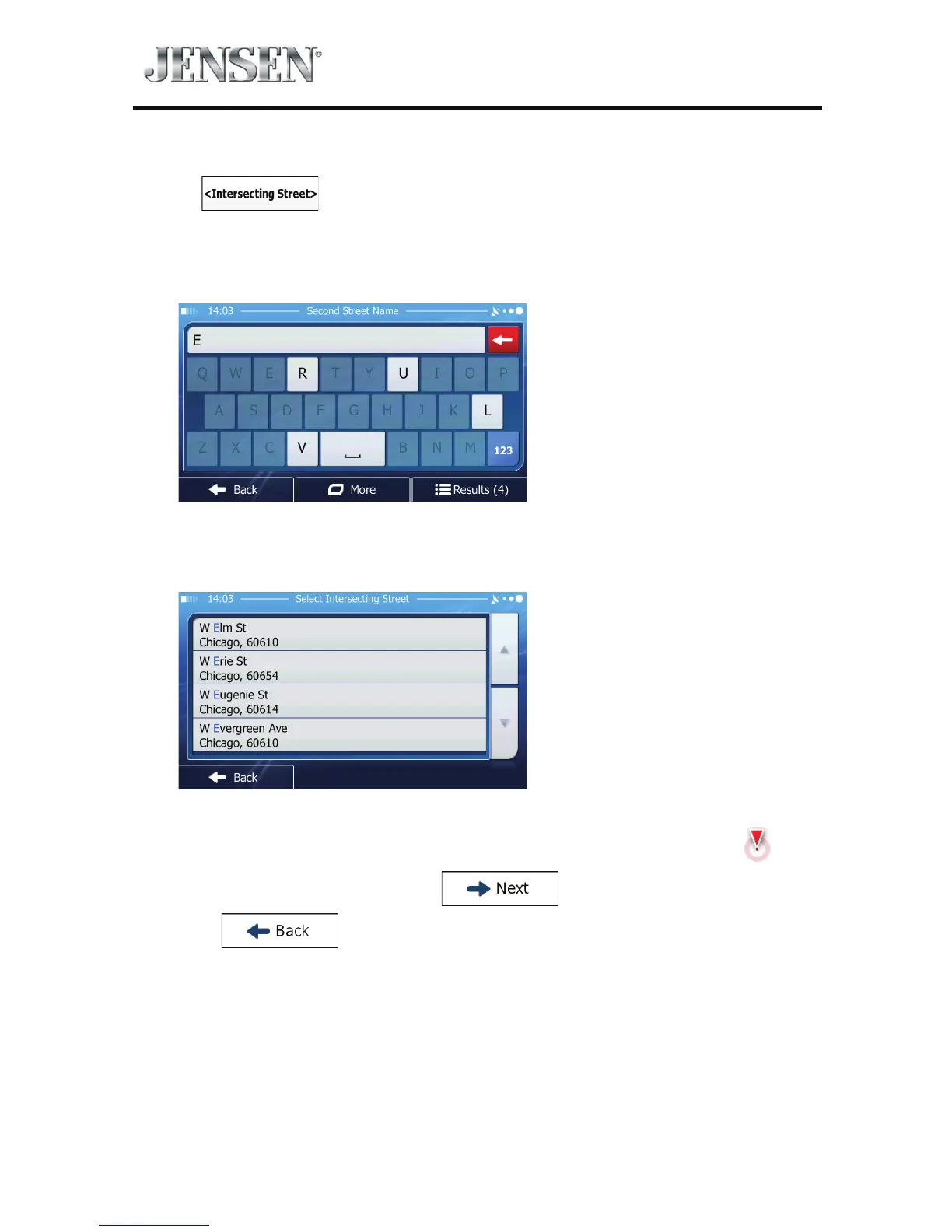
5. Enter the intersecting street name:
Tap
.
t If only a few intersecting streets exist, their list appears immediately.
t In case of a longer street, the keyboard screen appears. Start entering the
name of the intersecting street on the keyboard.
As soon as the street names that match the entered string can be shown on
one screen, their list appears automatically. Select from the list.
6. A full screen map appears with the selected point in the middle. If necessary,
tap the map somewhere else to modify the destination. The Cursor (
)
appears at the new location. Tap
to conrm the destination,
or tap
to select a dierent destination.



 To Next Page