66
VX7020
Searching for a Place of Interest Using Preset Categories
The Preset search feature lets you quickly nd the most frequently selected types
of Places.
1. If you are on the Map screen, tap
to return to the
Navigation menu.
2. In the Navigation menu, tap the following buttons:
, .
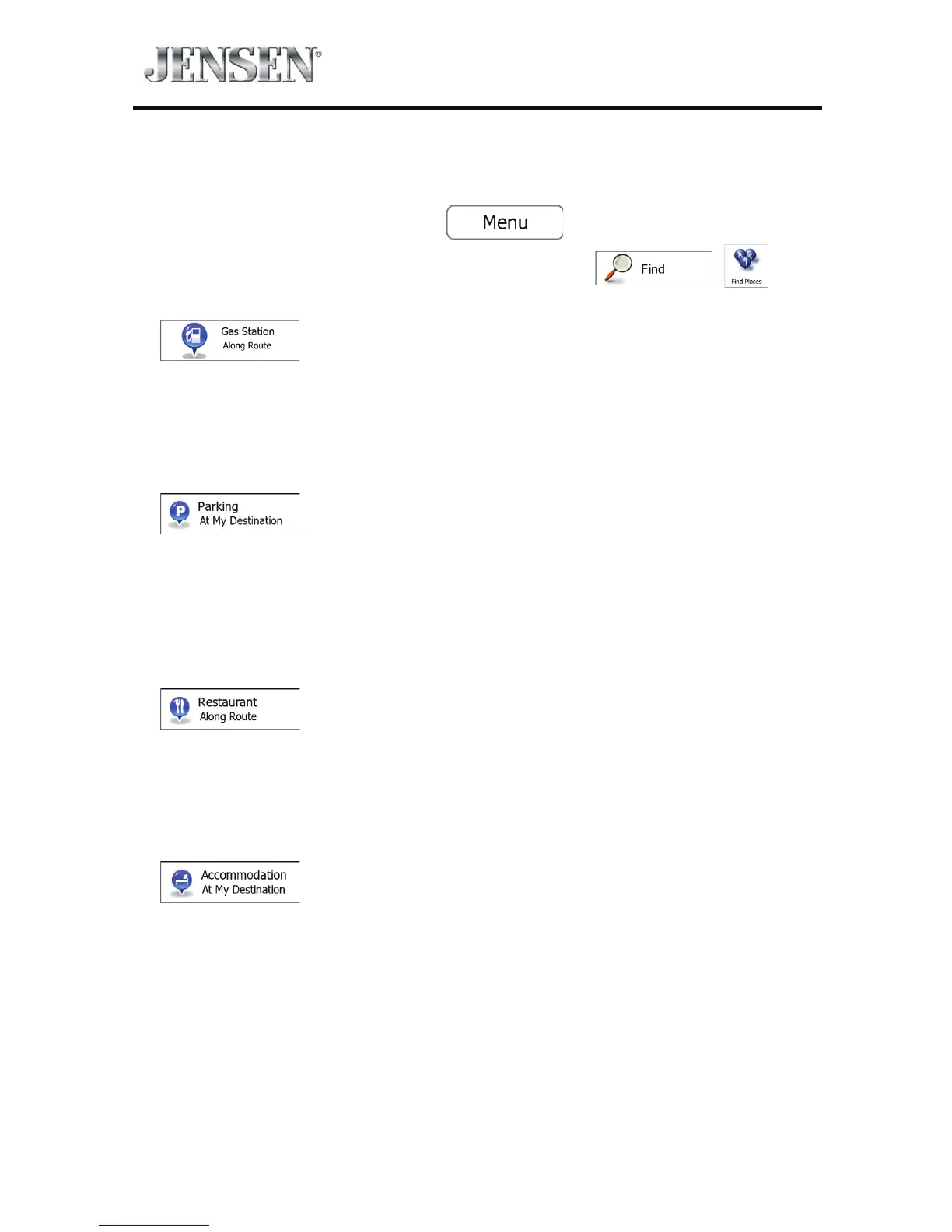
3. The preset search categories appear:
t If an active route exists, gas stations are searched along the route.
t If there is no active route (destination is not selected), they are searched
around the current position.
t If the current position is not available either (no GPS signal), they are
searched around the last known position.
t If an active route exists, parking lots are searched around the destination of
the route.
t If there is no active route (destination is not selected), they are searched
around the current position.
t If the current position is not available either (no GPS signal), they are
searched around the last known position.
t If an active route exists, restaurants are searched along the route.
t If there is no active route (destination is not selected), they are searched
around the current position.
t If the current position is not available either (no GPS signal), they are
searched around the last known position.
t If an active route exists, accommodation is searched around the destination
of the route.
t If there is no active route (destination is not selected), they are searched
around the current position.
t If the current position is not available either (no GPS signal), they are
searched around the last known position.



 To Next Page