79
VX7020
8. If necessary, tap the map somewhere else to modify the destination. The
Cursor (
) appears at the new location. Tap to conrm the
destination, or tap
to select a dierent destination.
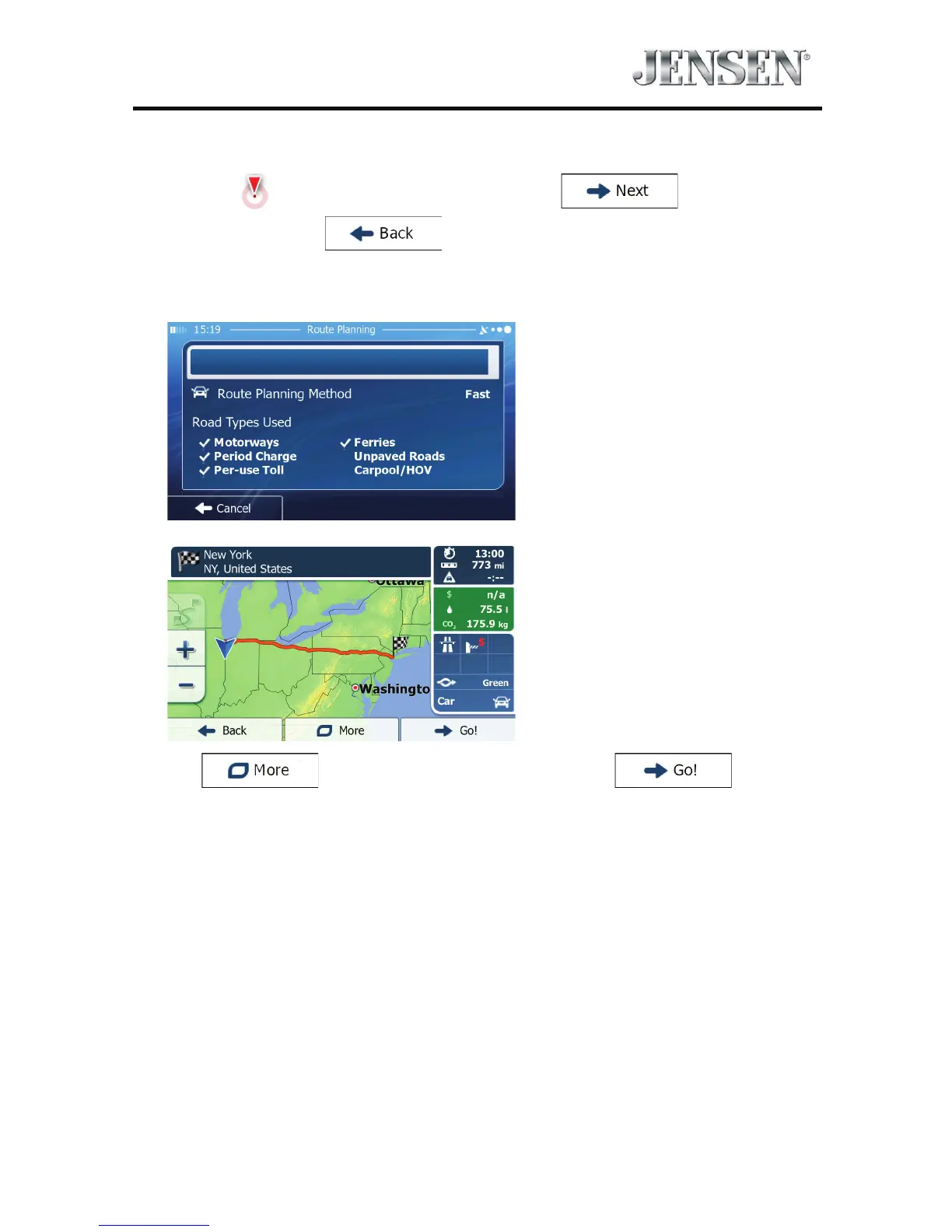
9. After a short summary of the route parameters, the map appears showing the
entire route. The route is automatically calculated.
Tap
to modify route parameters, or tap and start
your journey.



 To Next Page