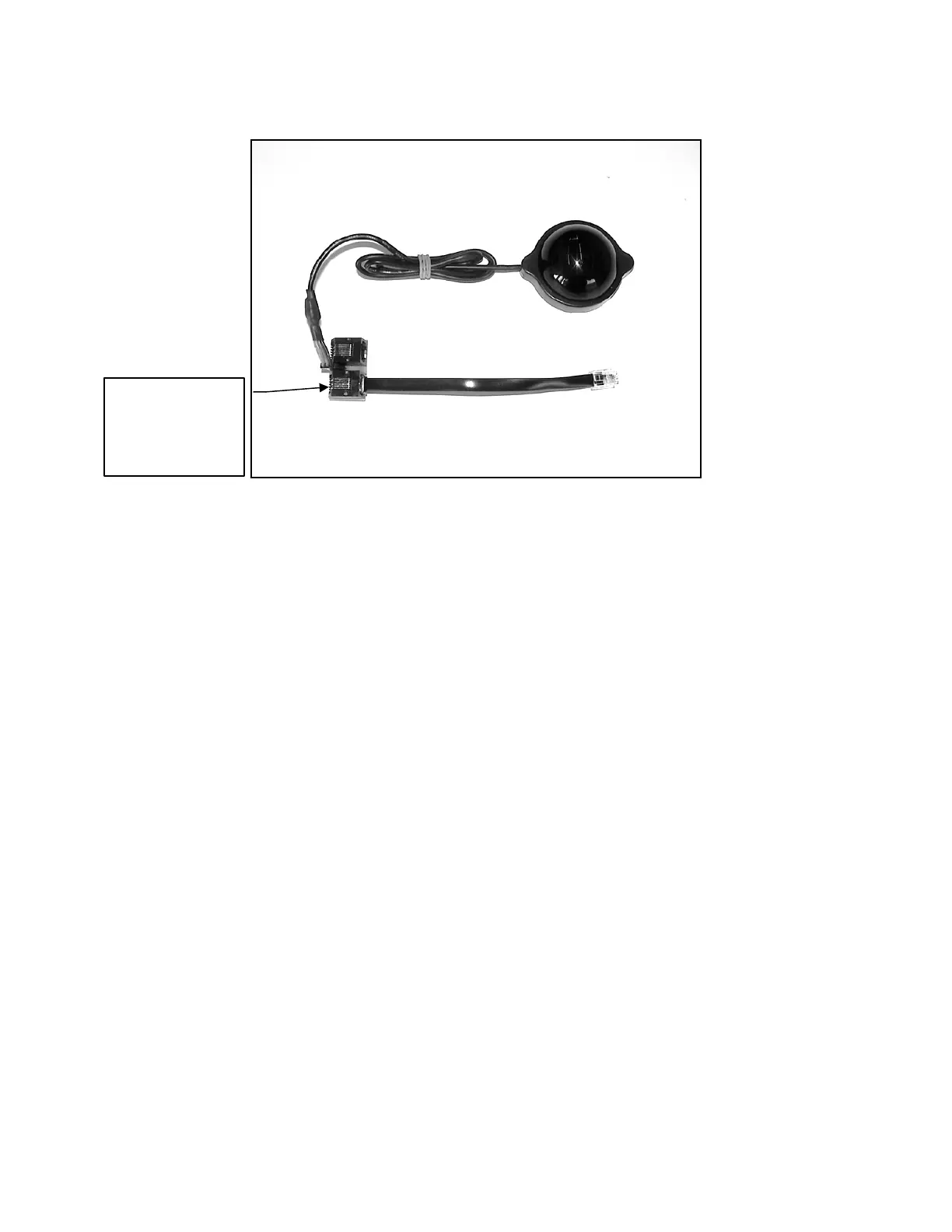
GPS
PC Board
adapter not
required for
V5.0 ECU
The GPS receiver/antenna gives the user a useful tool for knowing the aircraft’s
position, altitude, speed and the g-forces it was subjected to during the flight. This
information is available after the flight via the GSU. For example, the user can
determine how high the plane was flown and the maximum g-force it was subjected to.
• On Version 4.9 ECU and earlier, the GPS must be used with an adaptor board.
The adapter is wired in series with the data cable that connects to the I/O Board
and GSU. To use the GPS, enable the GPS menu in the Limits Menu - Enabled
COM1. NOTE: The RS-232 interface shares the same serial buss as the GPS.
To use the RS-232 interface, you must first disconnect the GPS from the data
buss and disable the GPS menu in the Limits Menu.
• On Version 5.0 ECU and later, the GPS has its own serial port input (GPS)
directly on the ECU and does not require the adapter or disabling the Limits
menu when the RS-232 interface is used. You must enable the serial port option
in the Limits Menu to COM2 for the GPS to operate.
NOTE: Our RS-232 adapter windows software V1.0.34 does support limited GPS
functions. Later releases will fully support the GPS.
Page 72/74



 To Next Page