12
15
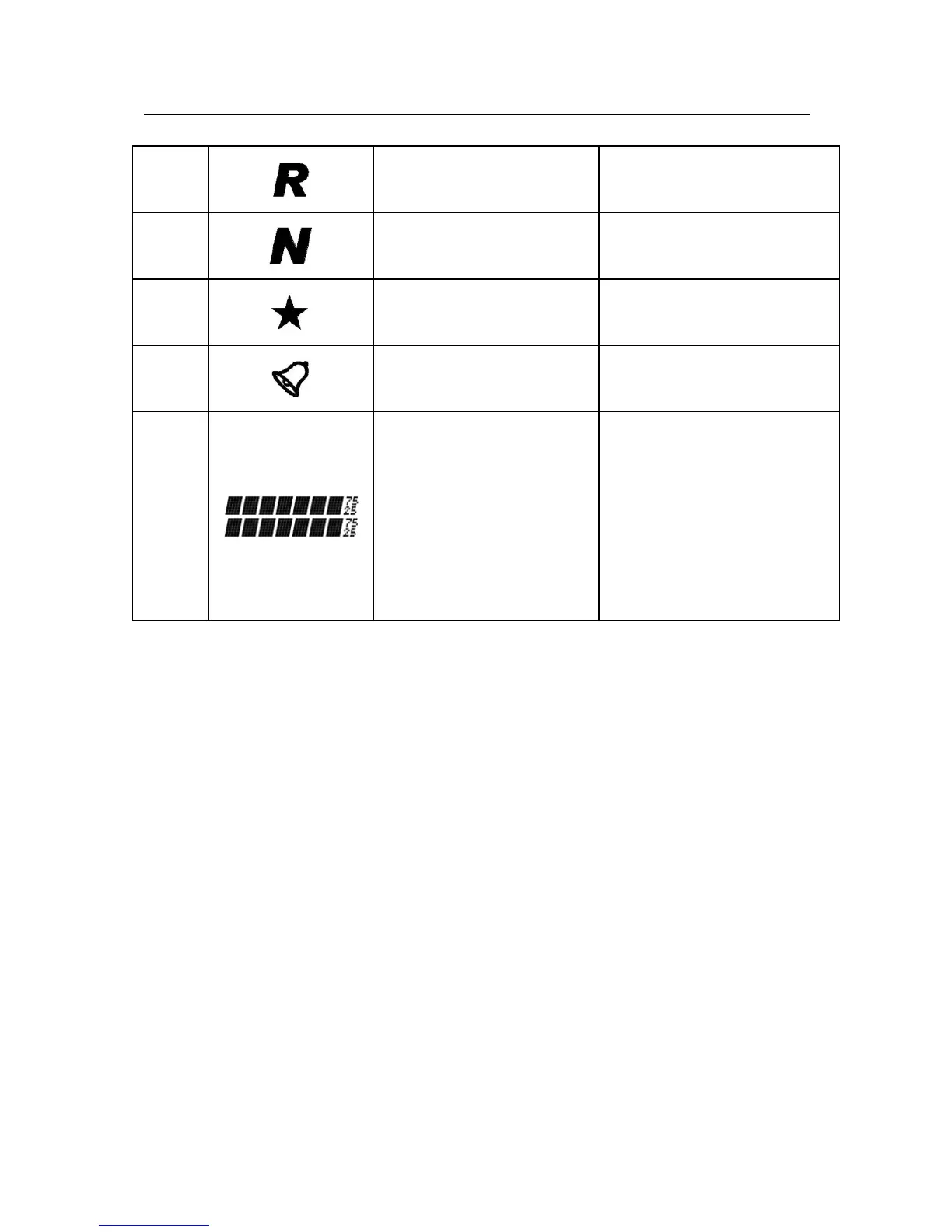
Reverse
Frequency
Refer to Menu 33
16
Narrowband Refer to Menu 50
17
Dual Reception
Refer to Menu 07
18
DTMF Refer to Menu 06
19
Displayed
frequency value,
channel names,
menu items, and
other numbers,
letters or symbols
Information
----
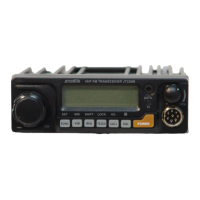
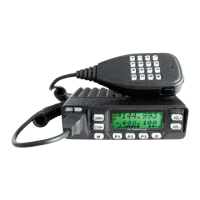
Front Panel Description
Orient the transceiver with the front panel facing you.
Find the RJ-45 microphone jack on the left side of the
front panel. To the right of the microphone jack is a
column of three buttons. From top to bottom, these are
CH+, CH-, and M (Menu). The LCD display is
directly to the right of these three buttons.
Below the LCD display is a row of four buttons. From
left to right, these are P1, P2, P3, and the power
button.
Finally, to the right of the LCD display is a column of
two buttons, labeled VOL+ and VOL-.


 To Next Page