[Disabled]: Azalia will be unconditionally disabled;
[Enabled]: Azalia will be unconditionally enabled.
Azalia HDMI Codec
Use this item to enable or disable internal HDMI codec for Azalia.
The optional settings are: [Enabled]; [Disabled].
PWR Status after PWR Failure
Use this item to select AC power state when power is re-applied after a power
failure. The optional settings are: [Always Off]; [Always On]; [Former Status].
*[Always On] and [Former State] options are affected by ERP function. Please
disable ERP to support [Always On] and [Former State].
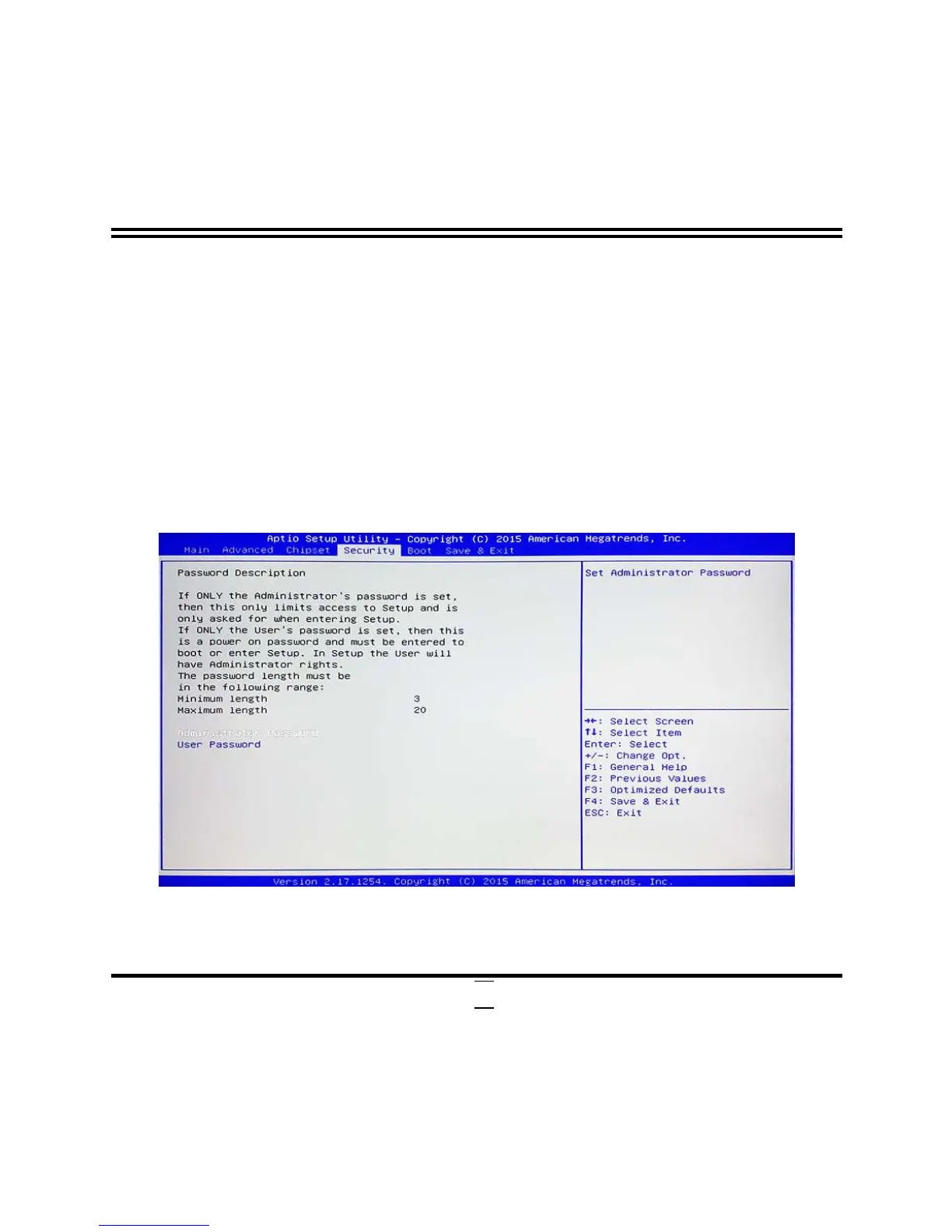
3-9 Security Menu
Security menu allow users to change administrator password and user password
settings.


 To Next Page