11
Managing Your Device
Access CG890 Router Web Admin Home page
You can access your router device information using an internet browse.
Access CG890 Router Web Admin Home page via internet browsers.
1 Connect your Wi-Fi client devices to the CG890.
2 Run an internet browser on your connected devices and open the Web Admin Home page
by entering http://router.home
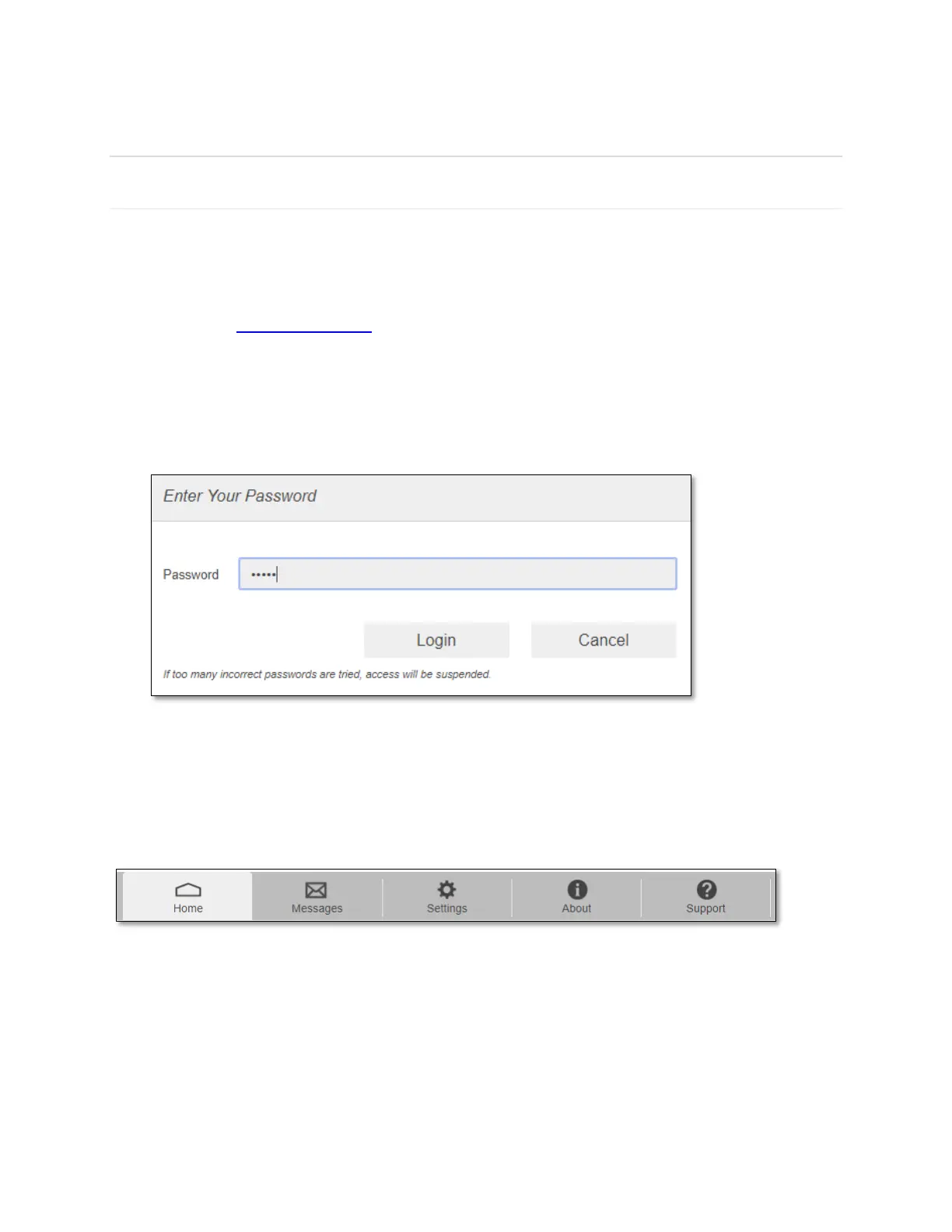
3 Click Login and enter the password. If you entered the correct password, the Web Admin
Home page screen appears.
NOTE: The default password is 'admin'. On your first login, you will be directed to change
the password.
The Web Admin Home page allows you to quickly access all menu options for your CG890.
❖ Home
❖ Messages
❖ Settings
❖ About
❖ Support



 To Next Page