16
- Wi-Fi Settings Reset: Click the Reset button to reset all Wi-Fi settings to the default
set.
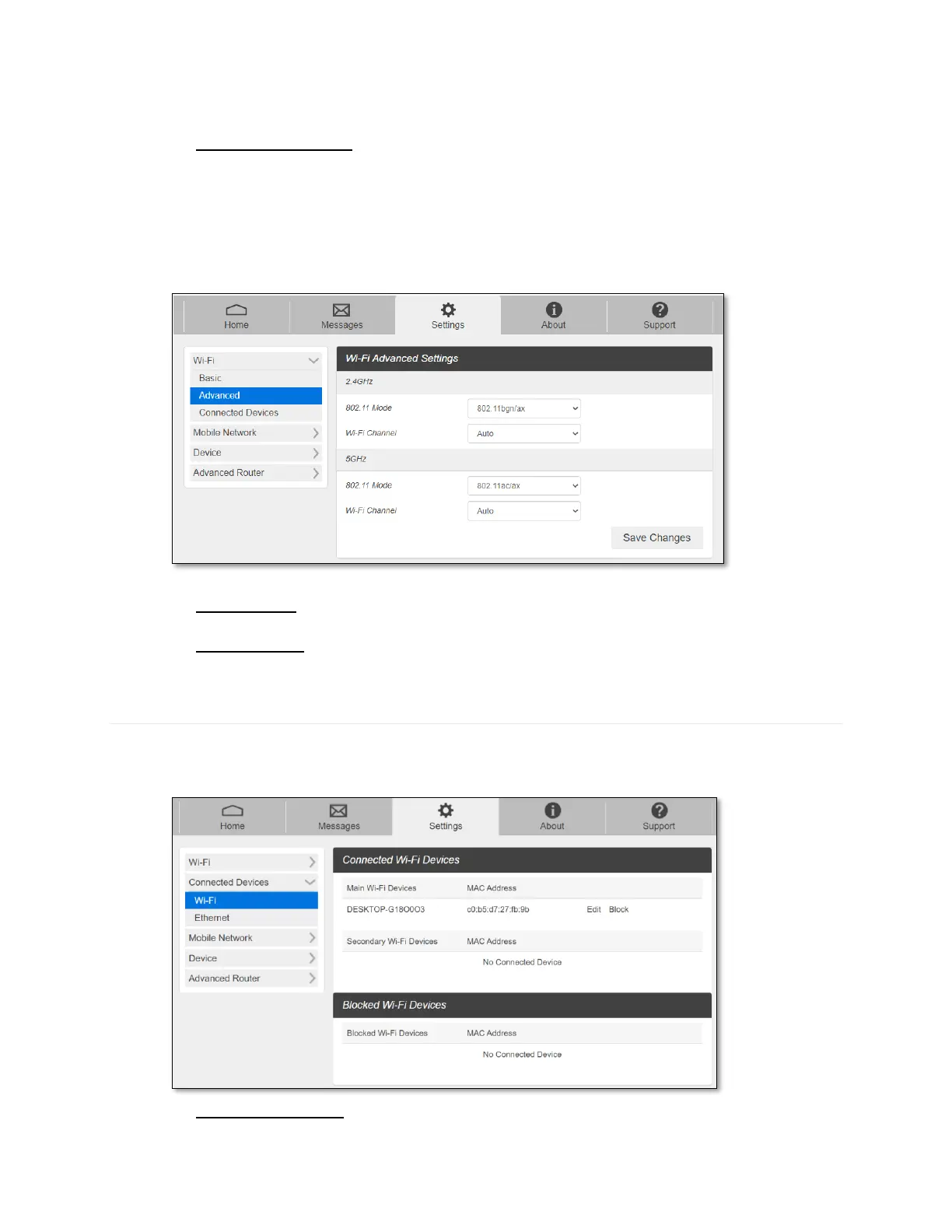
- Advanced
These advanced settings should only be changed for specific circumstances. Changes to
the advanced settings could result in loss of Wi-Fi connection with your devices. Consult
your devices’ manuals for Wi-Fi specifications.
- 802.11 Mode: Select an 802.11 mode from the drop-down list.
- Wi-Fi Channel: Select a Wi-Fi channel from the drop-down list.
Connected Devices
The Connected Devices show the list of devices connected to your CG890 router.
- Wi-Fi
- Main Wi-Fi Devices – Names of the connected devices to the Main Wi-Fi network.



 To Next Page