24
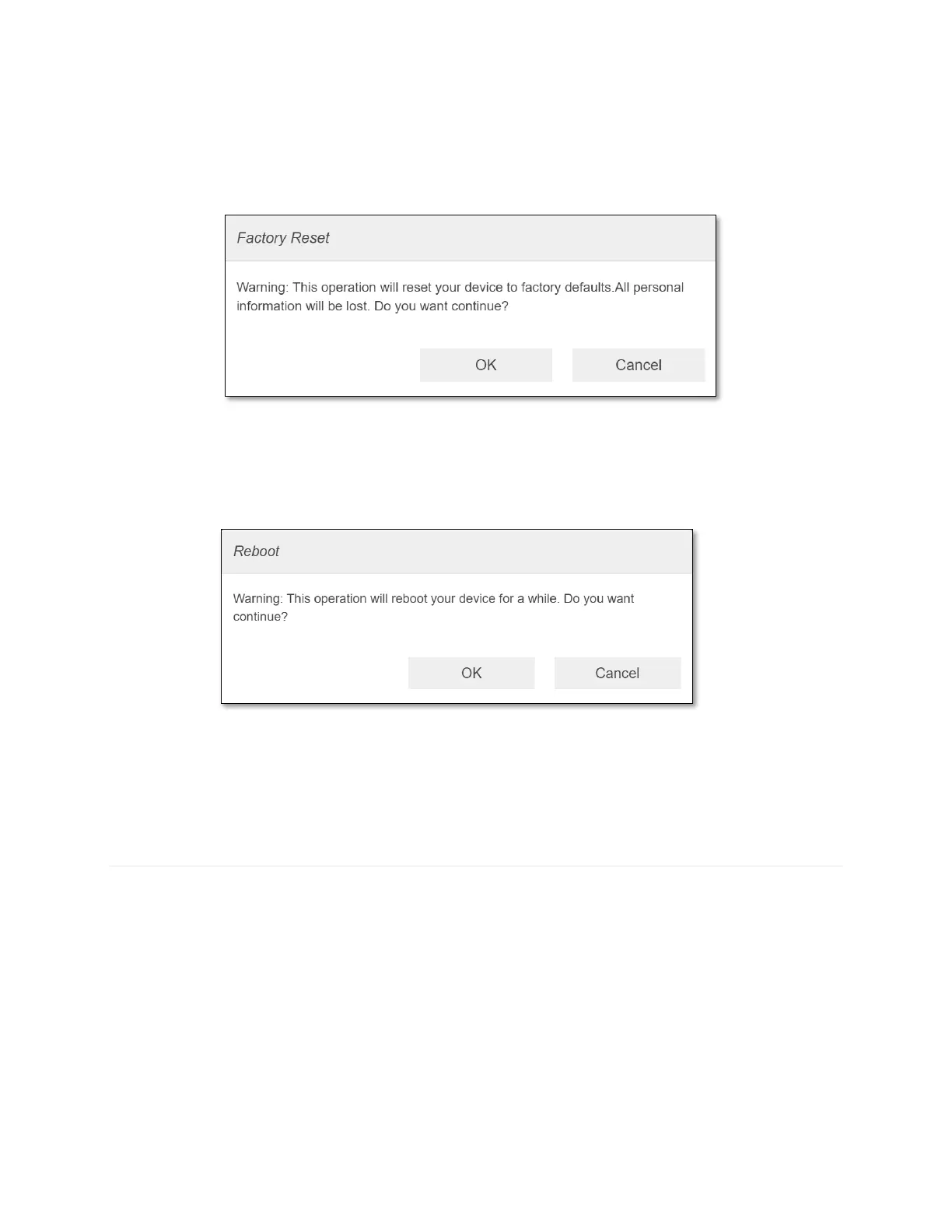
- Factory Reset: To restore your device to its factory default settings, follow the steps
below:
1. Click Factory Reset.
2. Click OK to confirm. Your router will restart.
NOTE: This operation will reset all device configuration settings and other setting
changes users made on the router.
- Reboot: To restart your device, follow the steps below:
1. Click Reboot.
2. Click OK to confirm. Your router will restart.
NOTE: This operation will just restart your router. No settings change.
Advanced Router
Configure LAN, DNS Mode, MAC Filtering, Firewall settings.
- LAN Settings
LAN Settings shows current Local Area Network settings. You can change CG890 local
network settings as needed.



 To Next Page