23
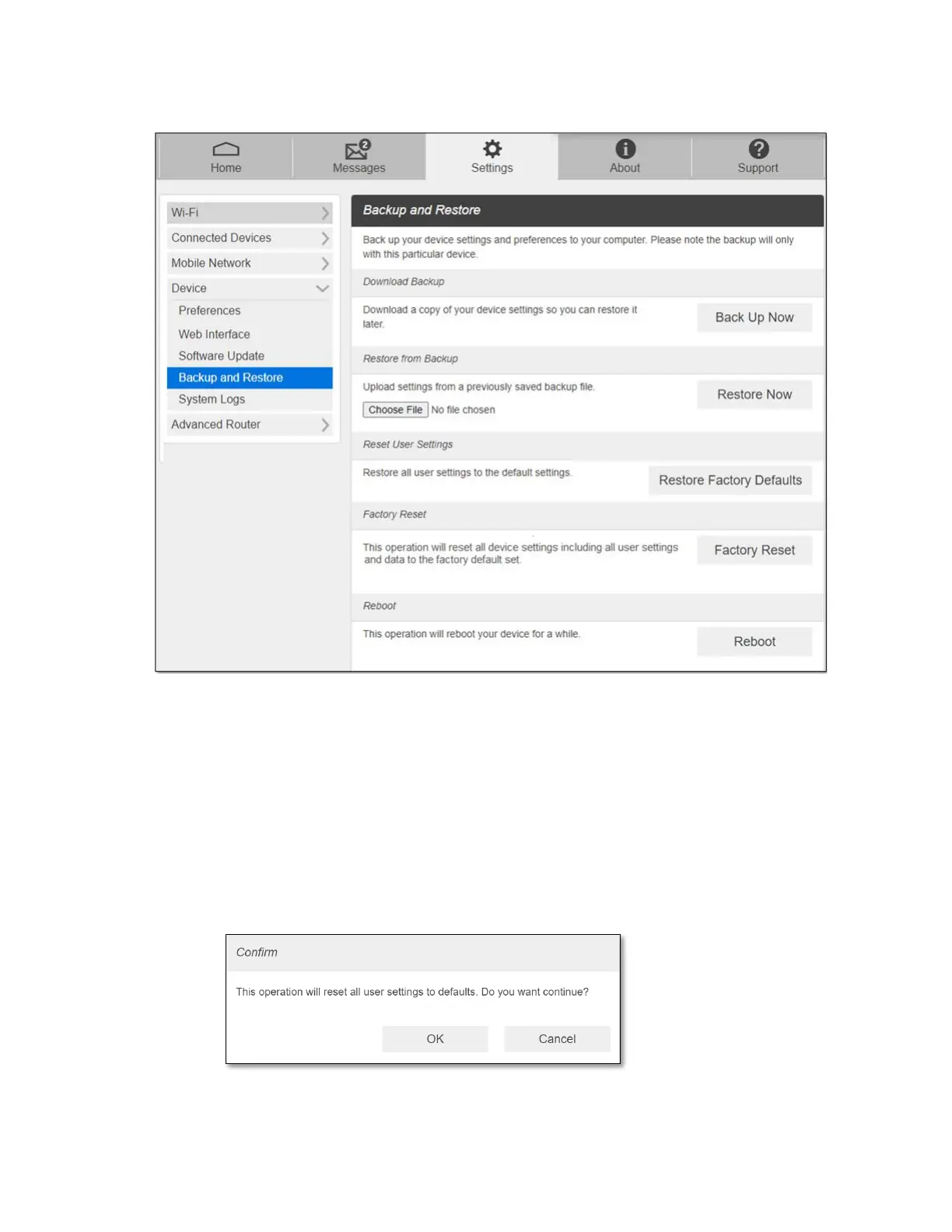
- Backup and Restore
- Download Backup: Click Back Up Now. The backup file automatically saved on your
computer in Downloads folder.
- Restore from Backup: To restore the device settings from the backup file, follow the
steps below:
1. Click Choose File to select the backup file save in your computer.
2. Click Restore Now. Your router will restart.
- Reset User Settings: To reset all user settings to its default settings, follow the steps
below:
1. Click Restore Factory Defaults.
2. Click OK to confirm. Your router will restart.
NOTE: This operation will reset all setting changes users made on the router.



 To Next Page