- 14 -
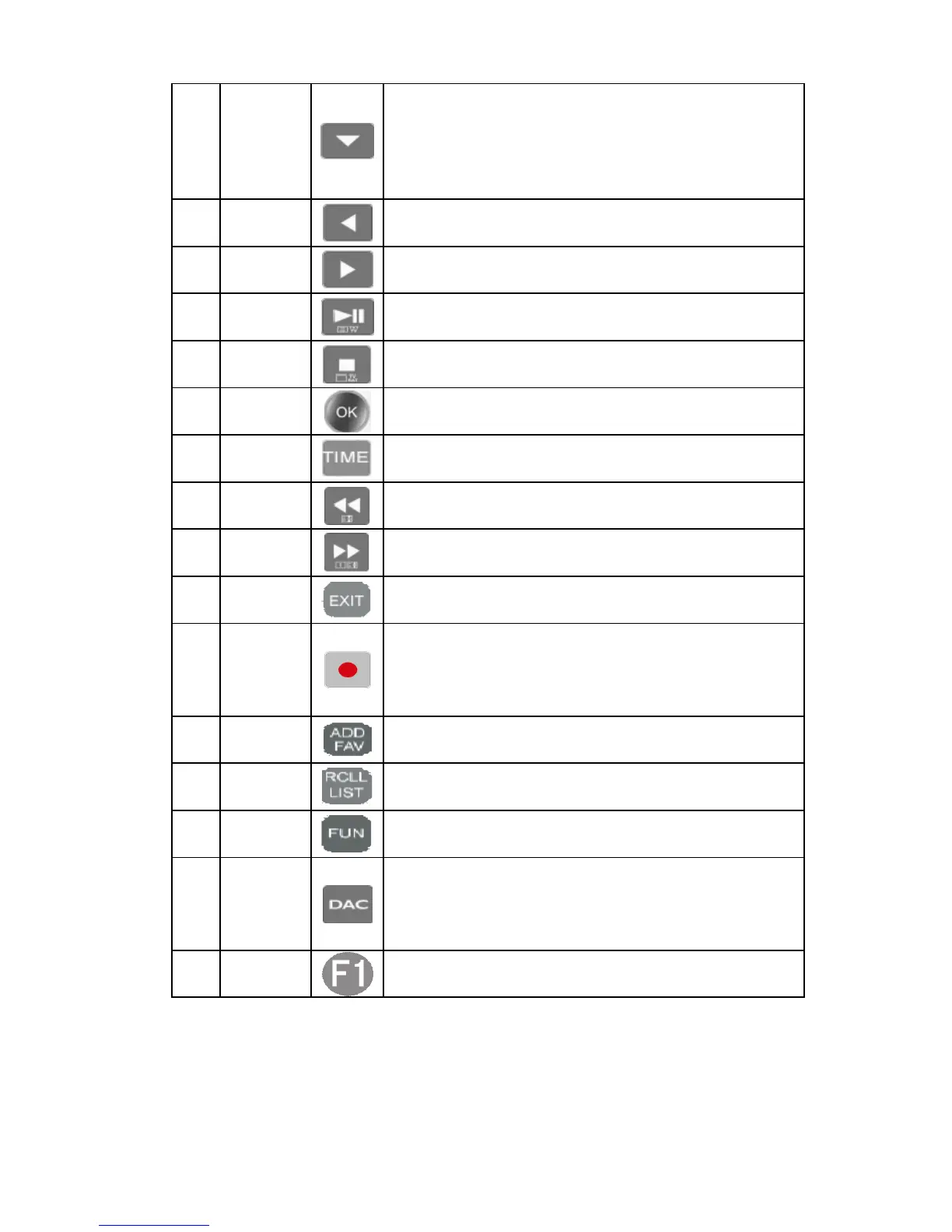
5 Vol-/Down
The more the Vol- key is pressed the lower the volume
becomes in playing interface or press the Vol- key to lower
the volume continuously.Select one file in the file list by
pressing this key downwards and long press it to go
downwards for selection.
6 Last Press this key to play the last file or internet radio.
7 Next Press this key to play the next file or internet radio.
8
Play/Paus
e
Press this key to pause in play status and press it again to
keep playing.
9 Stop Press this key to stop playing and return to the main menu
10 OK
Serve as an enter key for system settings,operation or file
selection.
11
Timing
mode
Press this key to select timing mode:in order or reverse
order.
12
Fast
backward
Get the playback progress fast backward.
13
Fast
Forward
Get the playback progress fast forward.
14 Back Go back to the previous menu or list operation.
15 Record
Press this key to record the current playing file in high
quality for the internet radio or DAC digital audio and store
the recorded file that is automatically named in USB flash
disk by touching this button.
16
Add/open
Favorite
Press this key to add the current playing file or internet radio
to the Favorites for the purpose of direct playback next time.
17
To play
interface
Turn to the file list .interface from playing interface by
pressing this key.
18
Functional
key
The menu for Copy,Paste,Cut,Delete, e tc.
19 DAC
Press this key in the main menu,will switch to the interface
for decoding the external digital audio signal .When the file
is playing,press this key turns to the five effects of filter
response.
20
Shielding
pictures
Shielding pictures by pressing this key in the playing
interface,press one more time to show the pictures.



 To Next Page