- 15 -
Ⅳ
Ⅳ
Ⅳ
Ⅳ 、
、
、
、 Operation
Operation
Operation
Operation Guide
Guide
Guide
Guide
4.1
4.1
4.1
4.1 Power
Power
Power
Power On/Off
On/Off
On/Off
On/Off
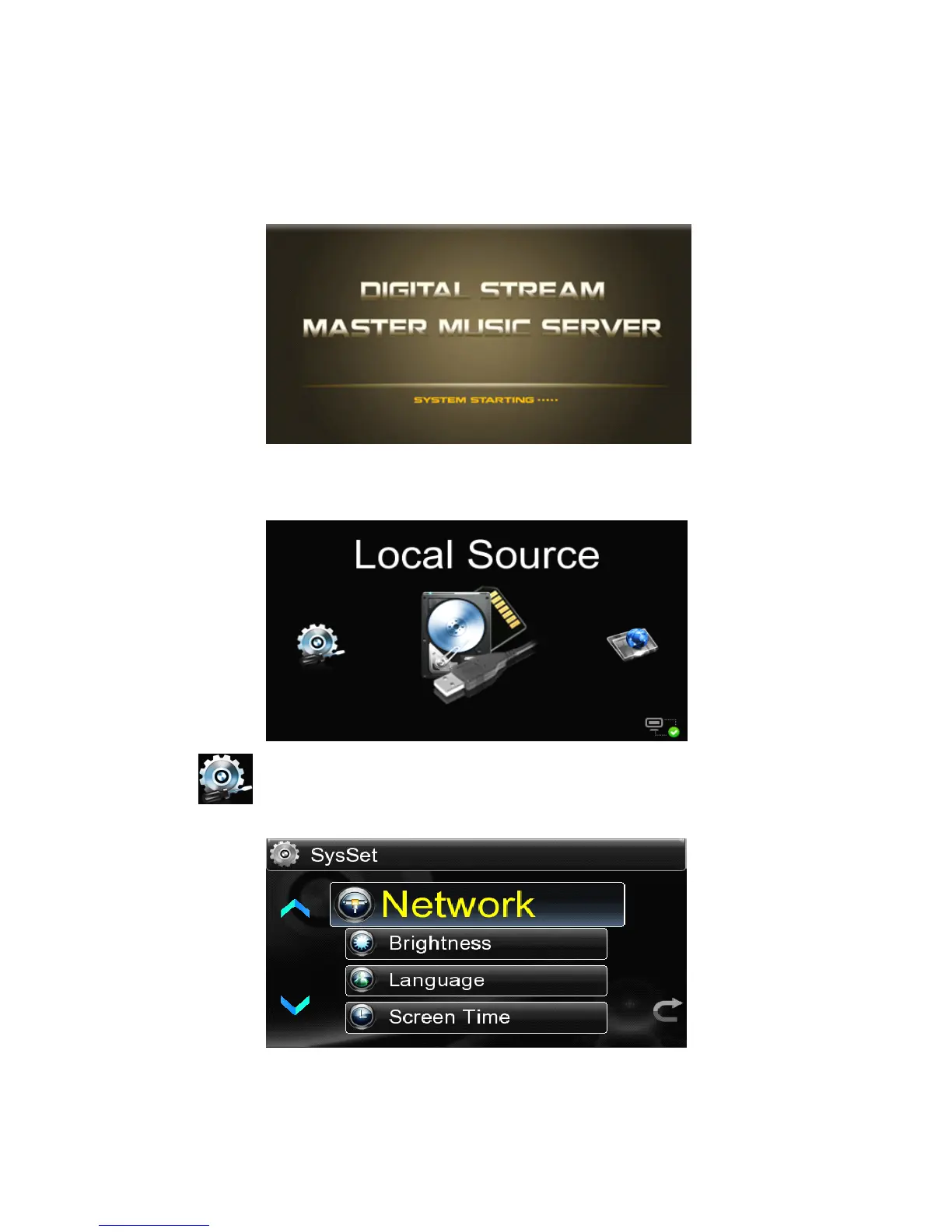
Connect the three-phase power, press the power button, the LED indicator light,
the power supply is switched on for 5 seconds display Boot screen:
The screen will indicate “ SYSTEM STARTING ” , and once the system starts
completely,the main interface will be permitted to run on.It will take one minute
for full start-up.
4.2
4.2
4.2
4.2 System
System
System
System Setting
Setting
Setting
Setting
Select the icon in the main menu to enter into the System Settings,which includes
six setting functions as follows:



 To Next Page