4 / 12
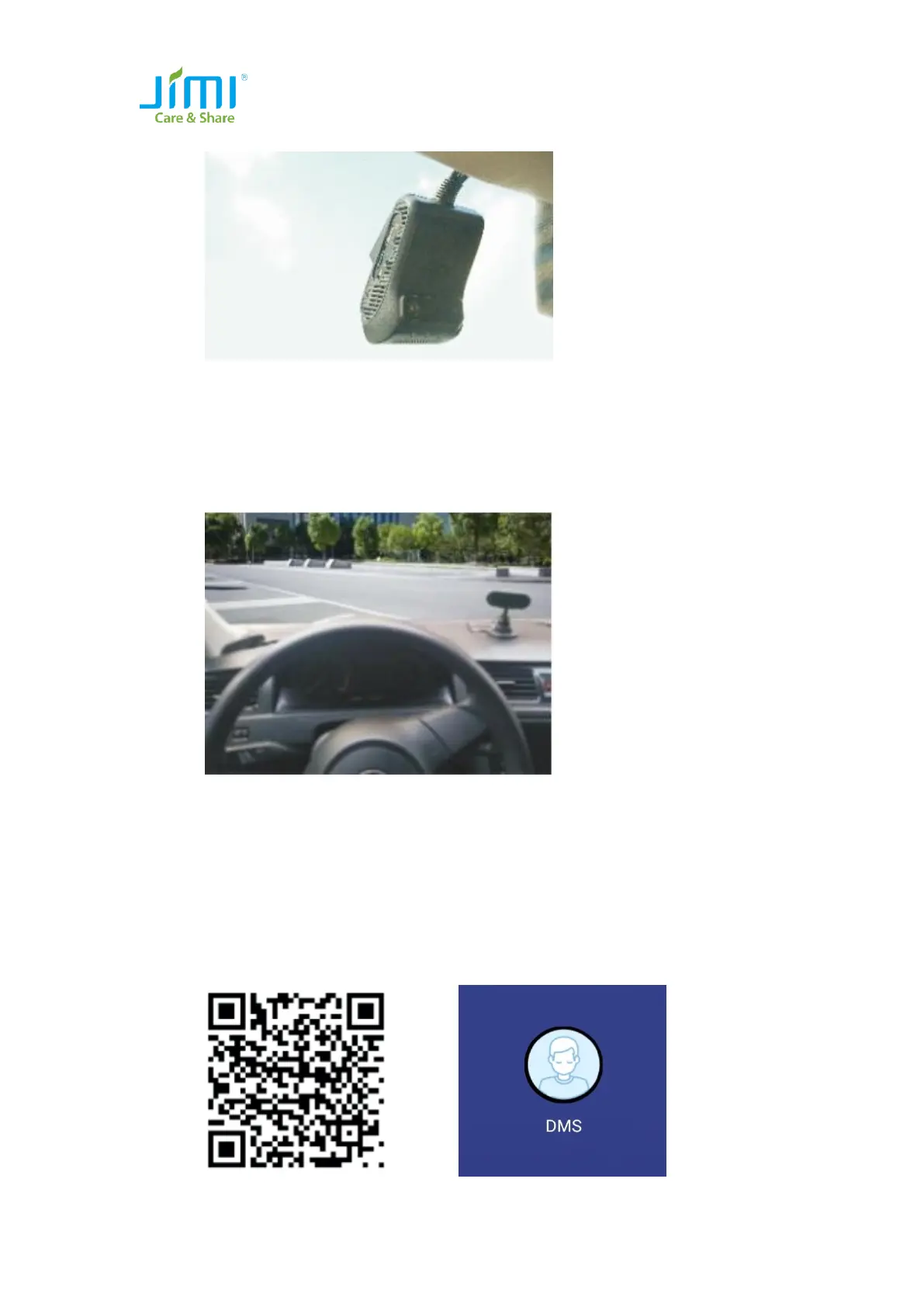
⚫ Connect the device to the mount base;
⚫ To remove the device, you are advised to use a normal remover to clean the sticker
residue on the glass surface;
1.3 DMS Camera Installation
⚫ Select a proper installation position. You can mount it over the dashboard or at a
position within 30 degree right of the dashboard;
⚫ Wipe the selected position clean;
⚫ Fixate the camera to the dashboard with screws;
⚫ Adjust the camera so the lens faces the driver. Then perform image calibration with the
calibration tool (APP);
⚫ After the calibration is complete, lighten the joint of the installation bracket.
1.4 Calibration Tool
⚫ Please use Android phone to scan this QR code, download and install the APP;



 To Next Page