Need help?
Do you have a question about the Jimi JM01 and is the answer not in the manual?
Lists essential accessories like Cable, User Manual (Optional), and Relay (Optional) for device setup.
Identifies key indicators (GSM, Power, GPS) and the SIM card slot location on the device.
Explains red LED states: quick flashing (low battery), slow flashing (charged), bright (charging), dark (no battery/troubleshoot).
Details blue LED meanings: quick flashing (searching), slow flashing (found), dark (no signal).
Clarifies green LED states: quick flashing (initialization), slow flashing (GPRS online), dark (no GSM/SIM).
Indicates terminal is armed when red, green, and blue LEDs flash twice in sequence.
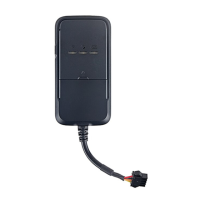
Details the function, color, and illustration for each connection wire (V+, V-, ACC, Relay, TX, RX, GND).
Terminal placement requires being under cover, protected from water, secured stably, with front side up and away from metal.
Illustrates optimal placement spots like under back seats, inside covers, and under pedals, noting GPS signal impact.
Lists wire colors (Red, Black, Orange, Yellow, Green, Blue, Purple) and their functions for device connection.
Terminal powers on automatically with SIM insertion; battery connects internal wires and receives power/charging from external supply.
Device searches for GSM and GPS signals upon power-on, indicated by green and blue LED flashing patterns.
Terminal turns off by pulling out the SIM card.
Configure APN using SMS commands, including options for username and password, with 'OK' confirmation.
Set DNS parameters via SMS command (SERVER,1,DNS,Port,0#) for server communication.
Add or delete up to three SOS numbers via SMS commands for emergency contacts and alerts.
Add or delete the center number using SMS commands, exclusively from SOS numbers.
Command to retrieve current device parameters like IMEI, intervals, and SOS numbers.
Configure GPS data upload by interval (20s default) or distance (300m recommended) via SMS commands.
Enable or disable GPS data upload during vehicle turning based on a pre-set angle.
Set the time interval (3 min default) before the terminal enters arm status and activates vibration alarm.
Reboot the terminal remotely using the RESET# SMS command, which takes 20 seconds.
Check device location via SMS commands for coordinates (WHERE#) or Google Maps link (URL#).
Configure vibration alarm sensitivity and enable/disable alarm messages via SMS commands.
Terminal activates cable cut-off alarm, sending alerts and location data to the platform and SOS numbers.
Enable or disable low battery alarms, which send SMS alerts to SOS numbers and upload data.
Set moving alarm threshold (distance) to trigger alerts when the vehicle moves from its last position.
Initiate or restore petrol cut-off remotely via platform or SMS command.
Addresses common issues like bad reception and terminal failure, suggesting solutions like changing location or replacing the fuse.
Troubleshoots network connection problems: SIM card insertion, dust, invalid SIM, GSM service area, and weak signal.
Resolves charging problems (voltage, contact) and address retrieval issues (GPRS activation, SOS number setup).

 To Next Page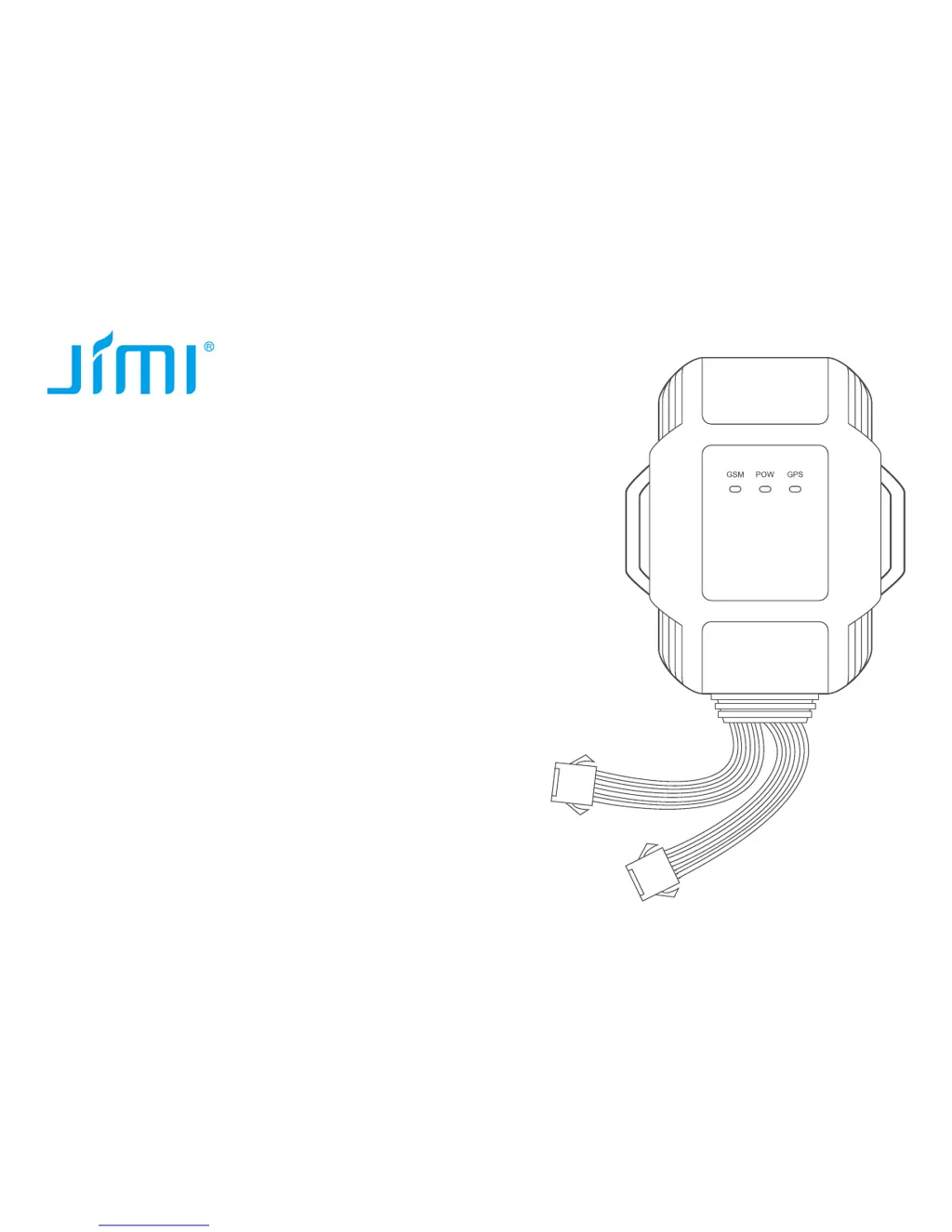
 General