56
until fault or status are cleared.
● When invert is running normally, “RUN” indicator will be lighted in gr een.
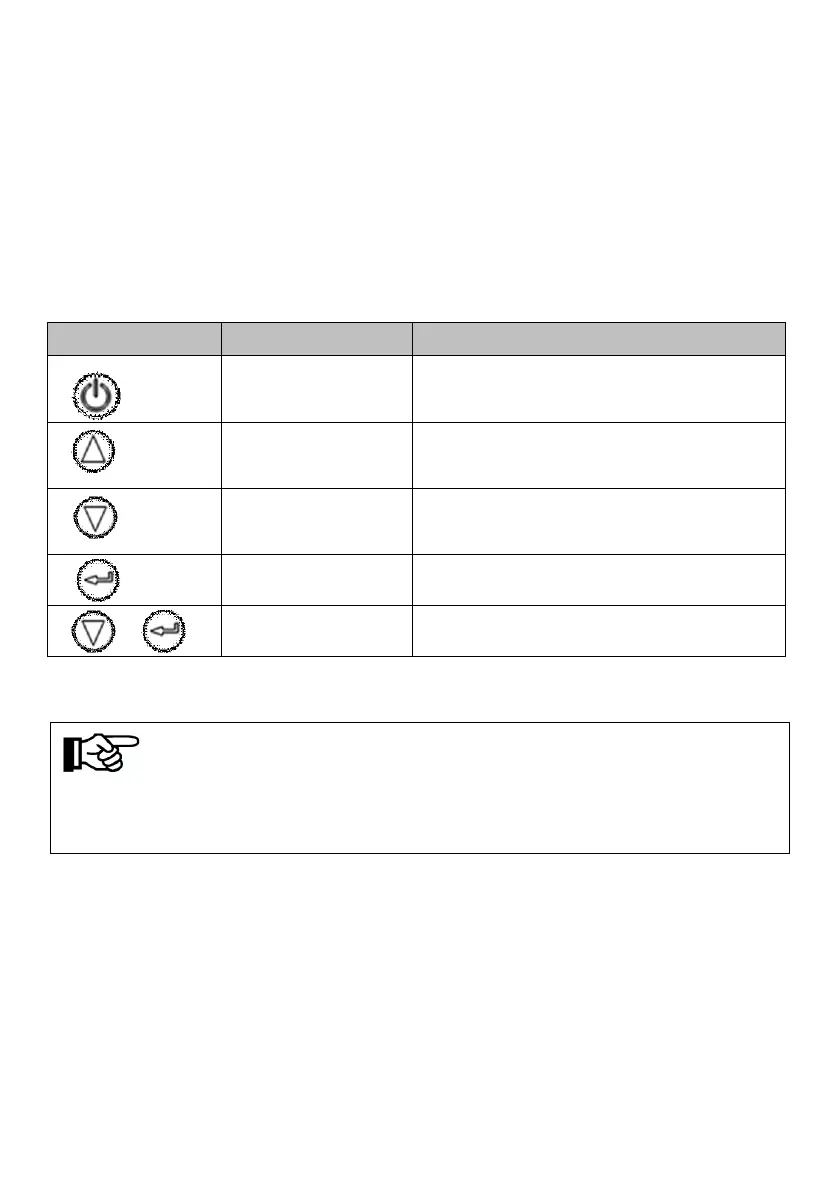
8.1.2 Description of Buttons
Table8-2 Buttons Function Table
Note!
When inverter is powered on, LCD display background is lighted,
and after 30s normal running, the background light turns off.
Press once to stop; long time press for
3s to get it started.
Page up and increase data. long time
press for Continuous increase.
Page down and decrease data. long
time press for Continuous reduction.
Return to main interface.



 To Next Page